

Screentell
Instant studio-quality demos, no install required
Video editingAnimations

Released May 5
Freemium · From $0
531

Reviewed by Shawn H. — Founder, AITrustList
Last verified MethodologyAI tools are ranked by traffic signals, not paid placement.

AI-powered video clipping, transcription, and summarization
AI video platform for clipping, transcribing, captioning, summarizing, and reframing videos in minutes, with API and free daily credits.
Independently written by the AITrustList editorial team.
+1 more pro not shown
Other products in the same task, ranked by popularity.
Pricing and commercial details available on the current listing.
What it is, how to use it, and the full listing description.
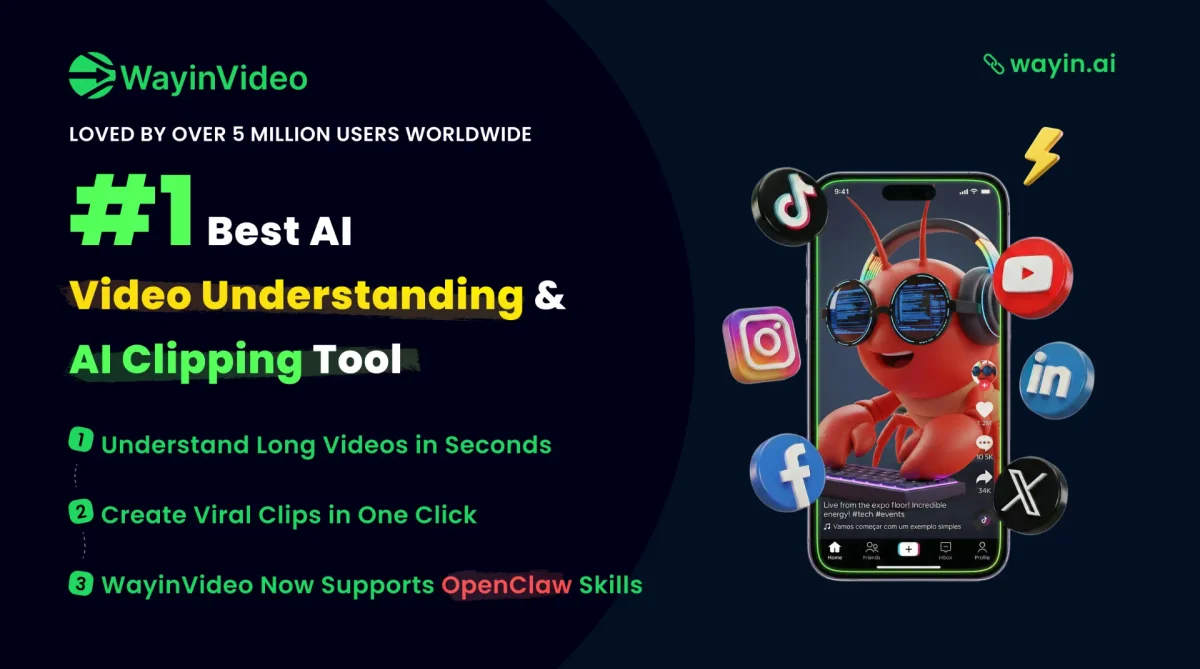
WayinVideo is an online AI video platform that automates clipping, transcription, captioning, summarization, and reframing for long-form video content.
Sign up on wayin.ai, paste a video link or upload a file, then choose a tool such as AI Clipper, Summarizer, Transcript, or Reframe. Export vertical shorts, download transcripts, generate animated captions, or call the API to integrate video processing into your own workflow.
WayinVideo is an AI-powered online video platform designed to help users summarize, transcribe, caption, clip, and reframe videos in minutes. Its AI video clipper auto-detects highlights, speaker changes, and pacing to turn long videos into vertical short-form clips for YouTube Shorts, TikTok, Instagram Reels, and LinkedIn. The AI video search tool indexes transcripts so users can jump to any moment via keywords, while the video summarizer generates one-paragraph overviews plus timestamped outlines in 100+ languages.
Transcription produces timestamped, speaker-labeled text with punctuation, ready to copy into notes or documents. The animated caption generator adds multilingual subtitles with styled fonts and callout cards, and the AI reframe tracks faces and objects to keep subjects centered across 9:16, 1:1, and 16:9 formats. The platform runs in-browser, offers a Chrome extension, and ships a Windows desktop app. A public API exposes clipping, transcription, summarization, and moment-finding for custom automation workflows. Free daily credits cover basic transcription.
Traffic and engagement metrics for wayin.ai.
WayinVideo traffic grew by 59.4% over the last 12 months, reaching 2.1M monthly visits. It is currently tracked in the Video editing category on AITrustList.
| Keyword | Traffic | Cost Per Click |
|---|---|---|
| instagram transcript | 32.4K | $ 0.50 |
| wayinvideo | 27.9K | $ 0.90 |
| instagram transcript generator | 18.5K | $ 0.74 |
| instagram video transcript | 8.3K | $ 0.39 |
| instagram reels transcript | 6.9K | $ 0.50 |
0.00 out of 5
Based on 0 reviews
No published reviews yet.
Questions and answers included with this listing.
WayinVideo is an AI video platform that summarizes, transcribes, captions, clips, and reframes videos for work, study, and content creation.
The AI clipper auto-detects highlights, speaker changes, and pacing to turn long videos into share-ready vertical shorts for platforms like TikTok, Reels, and YouTube Shorts.
AI Reframe tracks faces and key objects to keep the subject centered while resizing videos into 9:16, 1:1, or 16:9 aspect ratios.
Sign up on wayin.ai, then either paste a video link or upload a file to use the clipper, summarizer, transcriber, caption generator, or reframe tools.
WayinVideo offers free daily credits for transcription, with paid plans available for higher usage; privacy and terms are covered in its Privacy Policy and Terms of Service pages.
Official and listing-specific external resources.
Published tools in the same task branch.
Instant studio-quality demos, no install required
Released May 5
Freemium · From $0

AI that turns long videos into high-quality viral clips

Released May 27
Freemium · From $15 /mo

Create professional videos instantly from images using AI
Released May 18
Free

AI photo editor, image & video generator in your browser

Released Aug 4
Freemium · From $1.99/month