

OpusClip
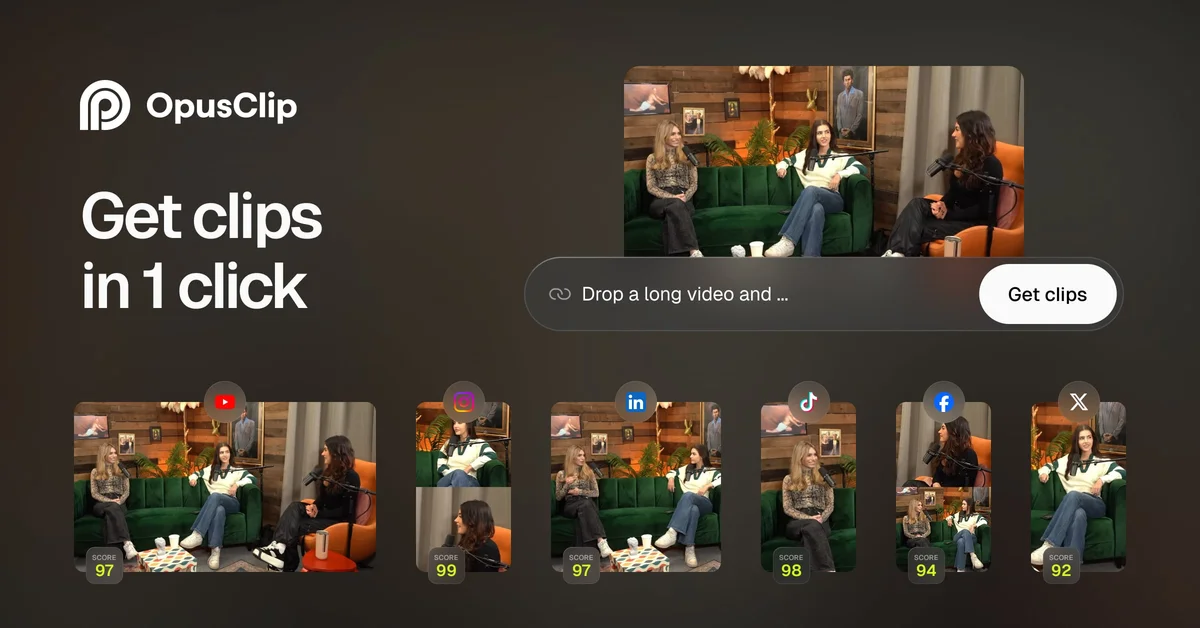
AI that turns long videos into high-quality viral clips
Video repurposingShort videos
Released May 27
Freemium · From $15 /mo
400

Reviewed by Shawn H. — Founder, AITrustList
Last verified MethodologyAI tools are ranked by traffic signals, not paid placement.

Instant studio-quality demos, no install required
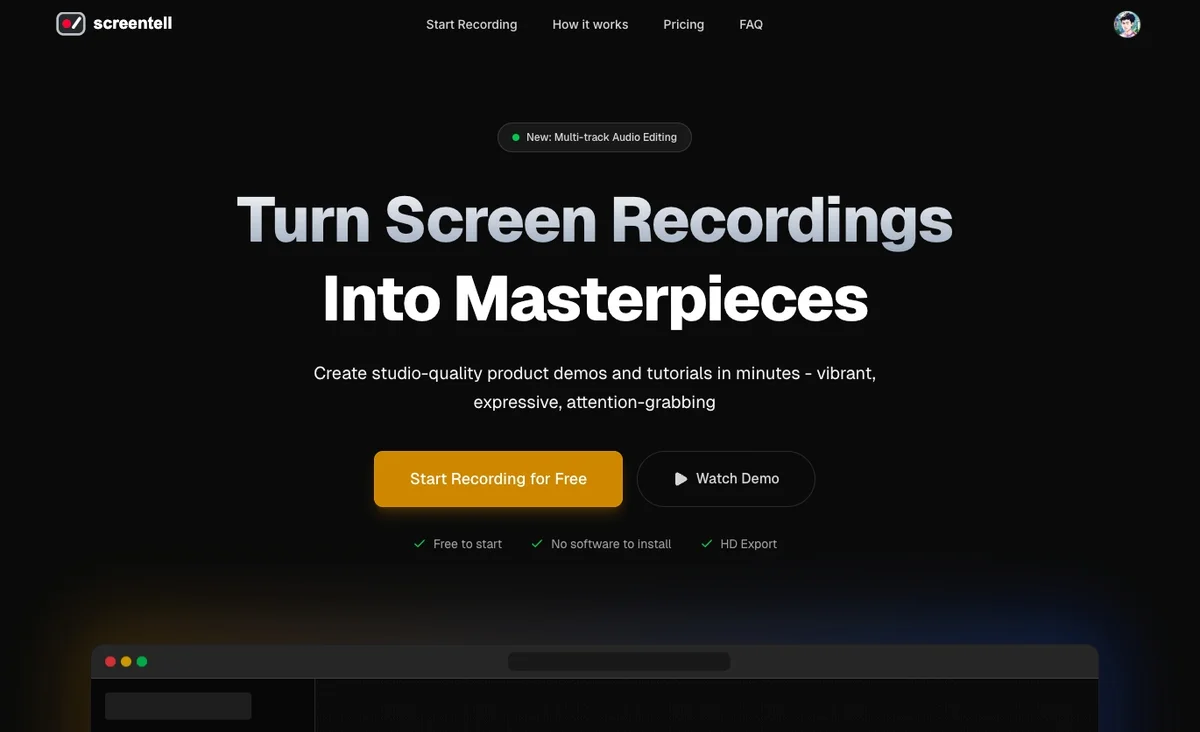
Screentell is a browser‑based screen recorder and editor that transforms simple recordings into polished product demos and tutorials.
Independently written by the AITrustList editorial team.
Other products in the same task, ranked by popularity.
Pricing and commercial details available on the current listing.
What it is, how to use it, and the full listing description.
A browser‑based screen recorder and video editor that creates studio‑quality demos and tutorials without any software installation.
Open Screentell in a modern browser, select the screen or window to record, add optional camera and audio, use the built‑in editor to enhance with transforms, stickers, and cuts, then export the final video.
Screentell lets you record any window or the entire screen, optionally capture your webcam and system audio, and then edit the footage directly in the browser. After recording, you can add cinematic 3D transforms, focus zooms, custom stickers, and annotations, split clips, adjust speed, crop, and apply layouts or backgrounds. Export videos in HD, WebM, or GIF, with no watermark on paid plans. The platform runs locally, keeping all recordings private, and offers a free tier for unlimited short recordings, plus a Pro subscription at $6.99 per month and a $99.99 lifetime option for unlimited length and no watermark.
Traffic and engagement metrics for screentell.com.
Screentell had 2.2K monthly visits in the latest recorded month. It is currently tracked in the Video editing category on AITrustList.
| Keyword | Traffic | Cost Per Click |
|---|---|---|
| excalifont | 430 | -- |
| best recording software for pc | 3.8K | $ 2.67 |
| recording app for pc | 1.9K | $ 0.34 |
| windows recorder | 1.2K | $ 0.61 |
| recordscreen.io | 780 | -- |
0.00 out of 5
Based on 0 reviews
No published reviews yet.
Questions and answers included with this listing.
Yes; you can record and edit unlimited videos for free, with watermarked output and length limits.
No, Screentell runs completely in supported browsers such as Chrome, Edge, Brave, or Arc.
Yes, you can upload existing video files and apply Screentell’s editing tools to them.
Official and listing-specific external resources.
Published tools in the same task branch.
AI that turns long videos into high-quality viral clips
Released May 27
Freemium · From $15 /mo

Create professional videos instantly from images using AI
Released May 18
Free

AI photo editor, image & video generator in your browser

Released Aug 4
Freemium · From $1.99/month

One platform to access 1000+ AI image, video, audio models

Released Jun 7
Paid · From $0.06 per image generation