Wondershare
AI-powered creative tools for video, documents, and more
Graphic designPdf Editting

Released May 18
Freemium
120

Reviewed by Shawn H. — Founder, AITrustList
Last verified MethodologyAI tools are ranked by traffic signals, not paid placement.

Free AI-powered PDF editor across desktop, web, and mobile
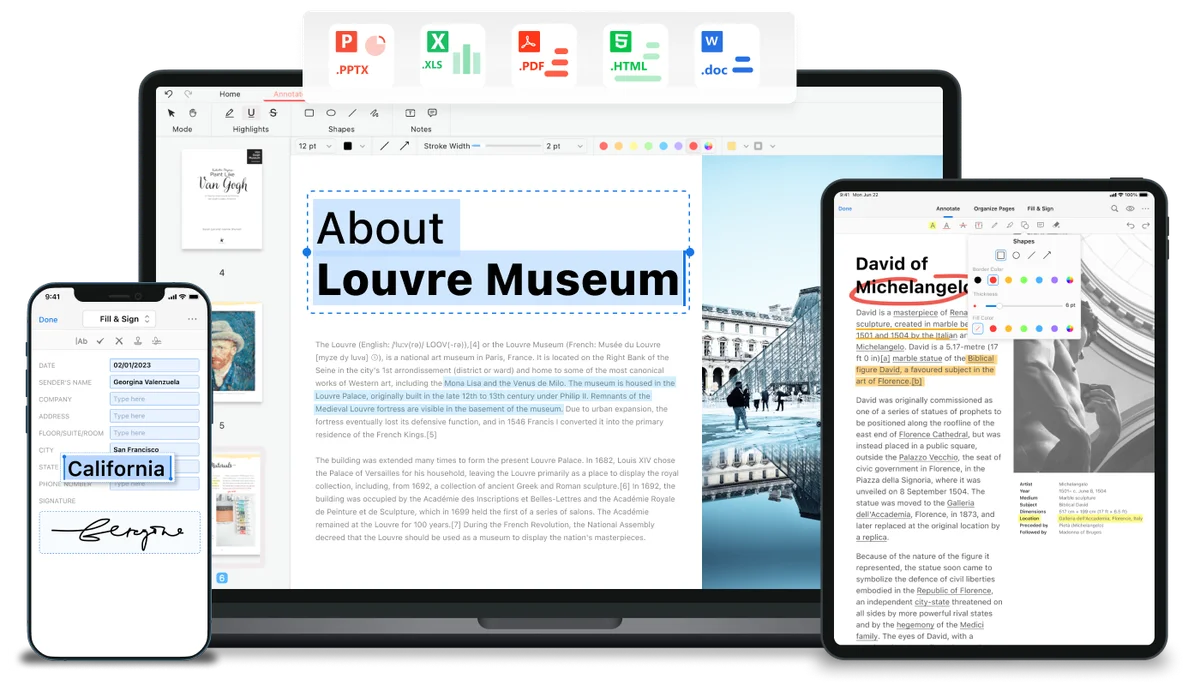
PDFgear is a free AI-powered PDF editor offering read, edit, convert, merge, split, OCR, and eSign tools across Windows, Mac, iOS, Android, and web.
Independently written by the AITrustList editorial team.
+1 more pro not shown
Other products in the same task, ranked by popularity.
Pricing and commercial details available on the current listing.
What it is, how to use it, and the full listing description.
PDFgear is a free AI-powered PDF editor and document toolkit available as desktop software, mobile apps, and online browser tools.
Download the desktop or mobile app from the PDFgear website, or open any online PDF tool directly in a browser. Upload a file, choose an action such as edit, convert, merge, OCR, or sign, then save or export the result — no signup required for online tools.
PDFgear is a free, AI-powered PDF editor and document management platform that works across Windows, macOS, iOS, Android, and the web. It provides a full set of PDF tools for editing text, images, shapes, links, and form fields directly inside a PDF, as well as annotation features such as highlighting, underlining, strikethrough, comments, stamps, and text boxes. Users can convert PDFs to and from Word, Excel, PPT, JPG, PNG, TXT, PSD, and HEIC with batch support, merge or split documents, compress files, fill and create fillable forms, and apply e-signatures. A built-in OCR engine extracts text from scanned or image-based PDFs in 30+ languages. The platform also integrates AI capabilities through Chat PDF, PDF Copilot, and a generative AI PDF Editor for summarizing, querying, and automating document tasks. Online tools require no account signup, and desktop and mobile apps extend the same workflow offline. A companion e-signing service, eSignGear, handles legally binding signature collection and tracking.
Traffic and engagement metrics for pdfgear.com.
PDFgear traffic grew by 17.6% over the last 12 months, reaching 2.9M monthly visits. It is currently tracked in the Pdf Editting category on AITrustList.
| Keyword | Traffic | Cost Per Click |
|---|---|---|
| pdfgear | 360.4K | $ 0.83 |
| pdf gear | 139.8K | $ 0.66 |
| pdf compressor | 1.6M | $ 0.17 |
| compress pdf | 2.7M | $ 0.16 |
| comprimir pdf | 1.1M | $ 0.11 |
0.00 out of 5
Based on 0 reviews
No published reviews yet.
Questions and answers included with this listing.
Yes, PDFgear's desktop, mobile, and online PDF tools are free, with no signup required for online tools. The company explains it is sustained by non-intrusive advertising.
PDFgear is available on Windows, macOS, iOS, Android, and as browser-based online tools.
Yes, PDFgear includes OCR that can extract text from scanned or image-based PDFs and supports 30+ languages.
PDFgear provides AI tools such as Chat PDF, PDF Copilot, and a generative AI PDF Editor for summarizing, querying, and working with PDF content.
PDFgear itself supports signing PDFs and integrates with eSignGear, PDFgear's separate online e-signing platform for legally binding signatures.
Official and listing-specific external resources.
Published tools in the same task branch.