

PixaryAI
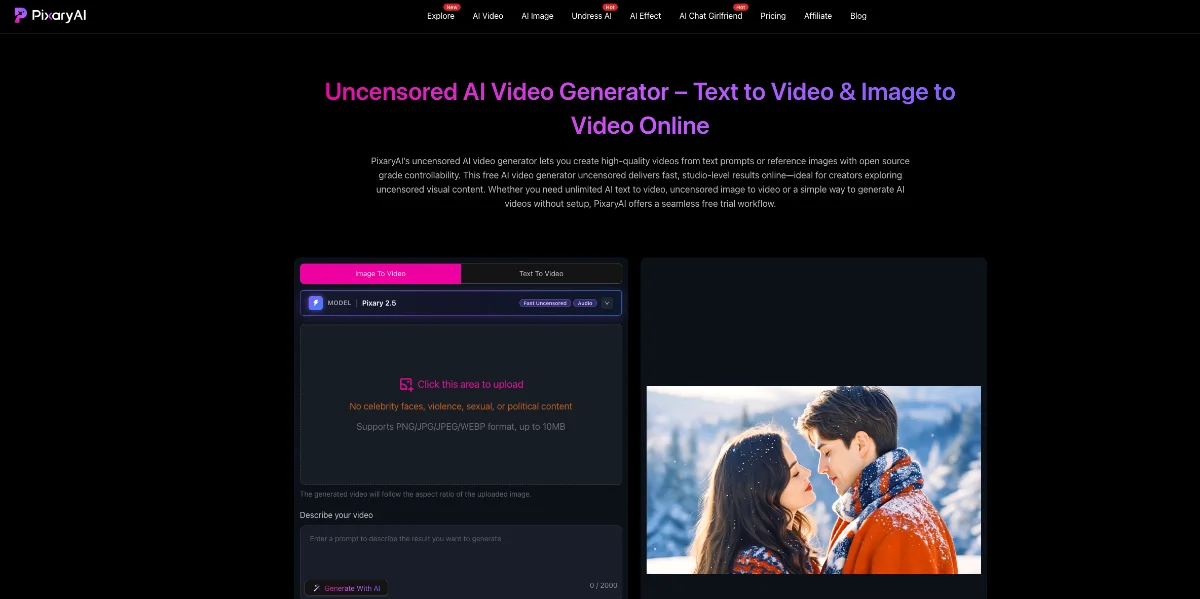
Free online AI video generator for text and images
Short videosImage to video
Released Jun 3
Freemium · From $9.99/ Month
790

Reviewed by Shawn H. — Founder, AITrustList
Last verified MethodologyAI tools are ranked by traffic signals, not paid placement.

Free AI video and image generator with no sign-up
MakeFun is a AI video and image generator powered by models like GPT Image, Seedance, Kling,Veo and Wan, with image-to-video, avatars, face swap and voice clone

Independently written by the AITrustList editorial team.
Other products in the same task, ranked by popularity.

Pricing and commercial details available on the current listing.
What it is, how to use it, and the full listing description.
MakeFun is a browser-based AI creative studio that combines leading image and video generation models with face swap, avatar, voice clone, and editing tools in one place.
Open makefun.ai, pick a tool from the Image, Video, or APP menu, upload an image or enter a text prompt, choose a model and settings, then generate and download the result. Many tools work without sign-up; create an account or top up credits for higher-volume or API use.
MakeFun (makefun.ai) is an online AI generation platform that bundles multiple top text-to-image, image-to-video, and avatar models into a single browser-based studio. It supports GPT Image 2.5, FLUX.2, Nano Banana Pro, Seedream, Veo 3.1, Wan 3.0, Kling, Seedance and Sora 2, covering workflows from text-to-image and image editing to cinematic video generation. Beyond raw generation, MakeFun offers creative utilities like face swap, head swap, cloth swap, talking photo, lip-sync, AI avatars, product avatars, voice clone, video-to-audio, and image upscaling up to 16K. Many tools can be used without sign-up, and a free tier is available for personal creative work. Paid Pro ($14.9) and Ultra ($59.9) one-time plans unlock higher-volume generation, while an Enterprise tier offers on-premise deployment, volume-based pricing, and ODM custom-branded sites. Developers get a documented API plus an AI Avatar MCP server for integrating talking and streaming avatars into their own apps. An iOS app is also available, and the site is localized in English, Spanish, Portuguese, German, Korean, French, and Japanese.
Traffic and engagement metrics for makefun.ai.
MakeFun had 1.3M monthly visits in the latest recorded month. It is currently tracked in the Image to video category on AITrustList.
| Keyword | Traffic | Cost Per Click |
|---|---|---|
| makefun | 950 | -- |
| make fun ai | 830 | -- |
| makefun ai | 490 | -- |
| how to swap faces with makefun ai | 120 | -- |
| makefunai | 350 | -- |
0.00 out of 5
Based on 0 reviews
No published reviews yet.
Questions and answers included with this listing.
MakeFun offers free AI video and image tools for personal creative workflows. Paid credits and plans are available when you need higher-volume generation, API usage, or team workflows; see the pricing page for current options.
MakeFun covers image-to-video, text-to-video, AI avatar, lip-sync, talking photo, face swap, voice clone, and video API workflows from one site.
Yes. Developers can review the MakeFun API docs and use the AI Video API and AI Avatar API pages to evaluate model coverage, workflow fit, and integration options before moving into production.
The MakeFun blog publishes model comparisons, workflow guides, and cost-focused reviews for AI video, avatar, voice, and agent tools, including pricing tradeoffs for production decisions.
Face, head and clothing swap tools are currently available in Japan and South Korea; the studio shows which tools are available in your region.
Published tools in the same task branch.
Free online AI video generator for text and images
Released Jun 3
Freemium · From $9.99/ Month

Unlimited, uncensored AI image and video generator
Released Jun 7
Freemium · From $0/month

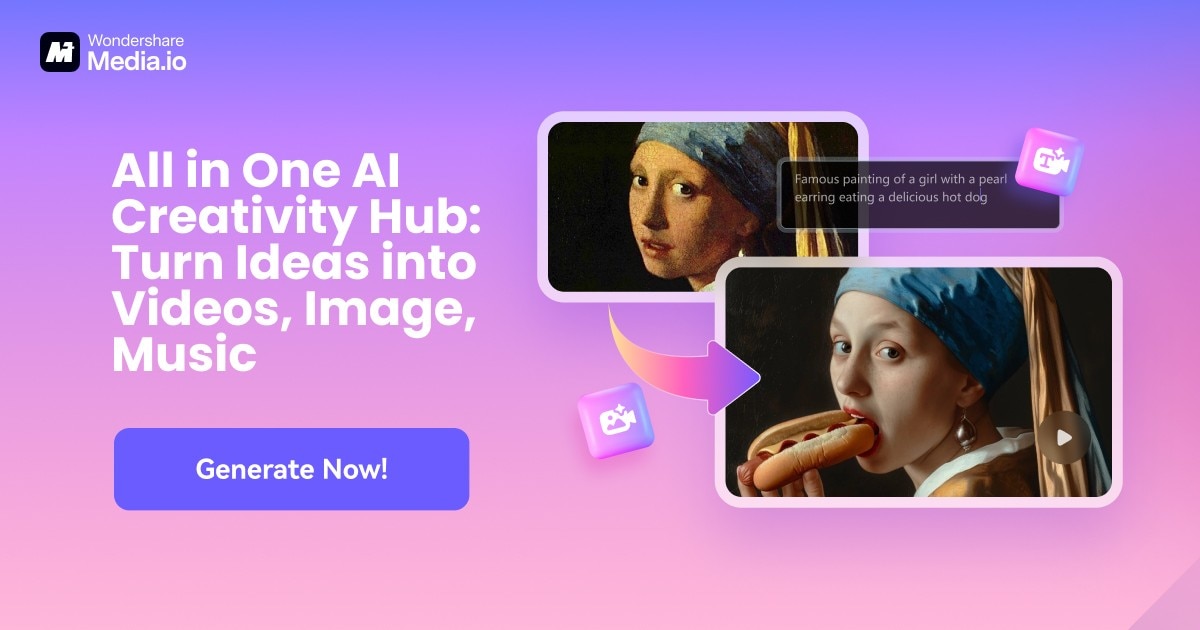
Free online AI tools to generate videos, images, and music
Released May 30
Freemium

All-in-one AI video and image creation platform
Released Jun 7
Freemium · From $0.3/video