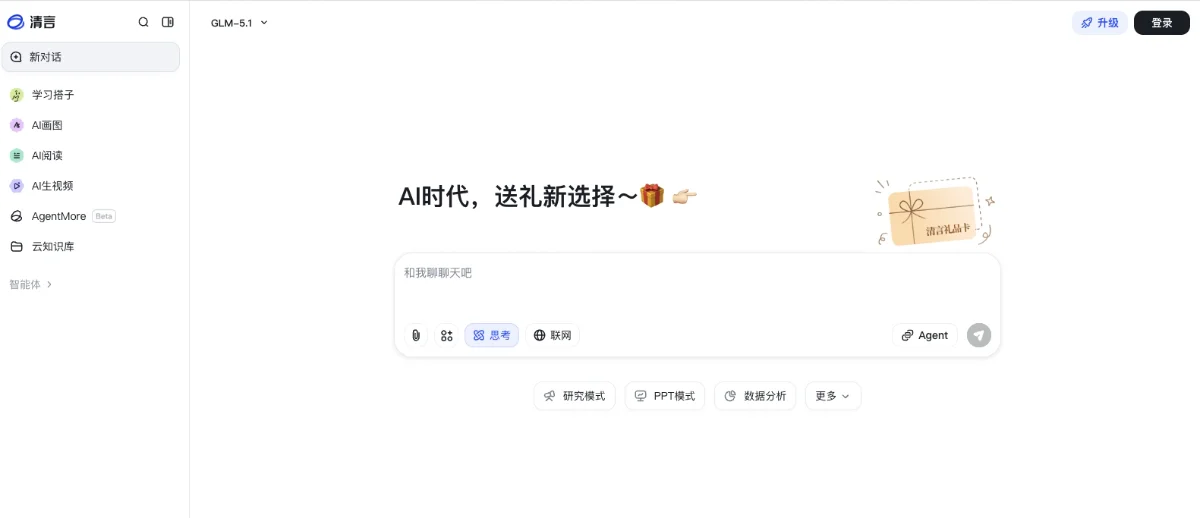
Zhipu Qingyan(智谱清言)
GLM-5 AI assistant for chat, writing, and programming.
Personal assistantMultimodal LLM
Released May 25
Freemium
700

Reviewed by Shawn H. — Founder, AITrustList
Last verified MethodologyAI tools are ranked by traffic signals, not paid placement.

IDE and command center for local and cloud coding agents
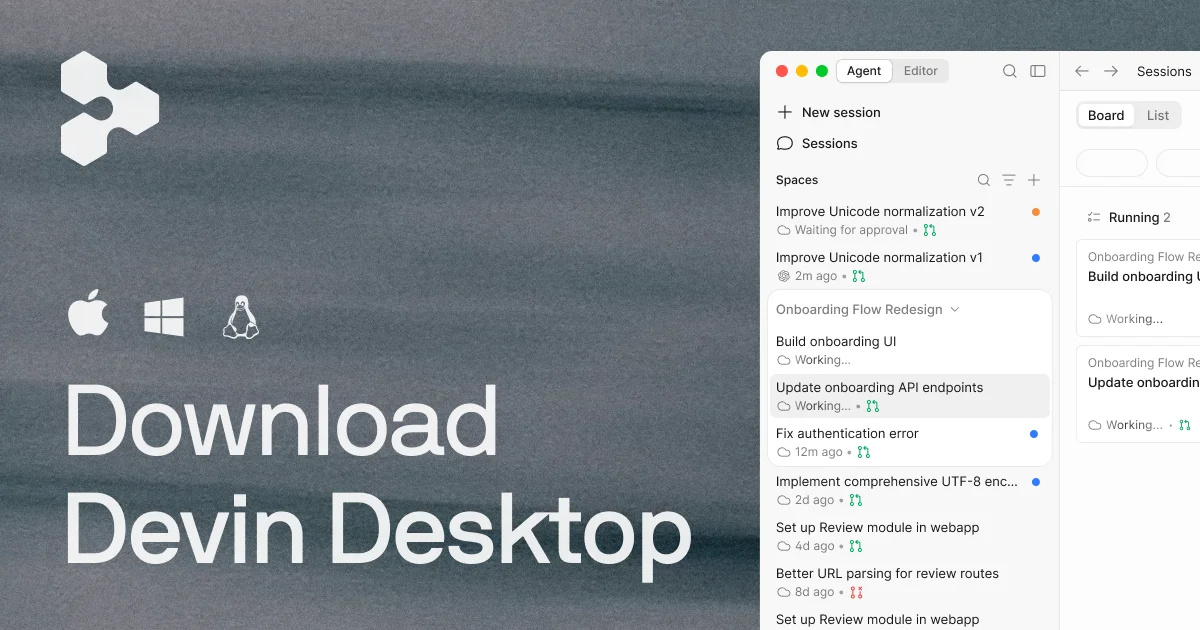
Devin Desktop is an AI-powered IDE that lets you plan, delegate, review, and ship work across fleets of local and cloud coding agents in one workspace.
Independently written by the AITrustList editorial team.
Other products in the same task, ranked by popularity.
Pricing and commercial details available on the current listing.
What it is, how to use it, and the full listing description.
Devin Desktop is an AI-powered IDE and agent command center for managing fleets of local and cloud coding agents in one workspace.
Download Devin Desktop for your operating system, sign in, and use Spaces and the Kanban board to dispatch coding agents on tasks. Review diffs in the built-in editor, hand off long-running work to cloud agents, and extend the IDE with MCP servers and language plugins.
Devin Desktop (formerly Windsurf) is an AI coding IDE and agent command center built by Cognition. It combines a full code editor with multi-agent orchestration, so engineers can dispatch local and cloud coding agents from a single surface and review every diff before shipping.
The Agent Command Center organizes work into Spaces and a Kanban-style board, where users can track sessions, monitor pull requests, and hand off tasks between agents. The Agent Client Protocol (ACP) connects multiple agents, including Devin, SWE-1.6, Codex, Claude Agent, OpenCode, and Cascade Local.
Inside the IDE, Supercomplete predicts the developer's next edit, while Fast Context locates the exact files and lines an agent needs in milliseconds. Devin Desktop ships with unlimited access to SWE-1.6, supports cloud handoff for long-running jobs, and integrates with tools such as Slack, Linear, Notion, Figma, Sentry, Stripe, Vercel, Datadog, Atlassian, ESLint, Prettier, rust-analyzer, clangd, gopls, and Pyright.
Traffic and engagement metrics for windsurf.com.
Devin Desktop had 651.0K monthly visits in the latest recorded month. It is currently tracked in the Coding category on AITrustList.
| Keyword | Traffic | Cost Per Click |
|---|---|---|
| windsurf | 204.6K | $ 1.62 |
| windsurf ai | 31.1K | $ 3.57 |
| windsurf ide | 9.1K | $ 6.35 |
| winsurf | 3.5K | $ 4.22 |
| windsurf login | 870 | $ 4.70 |
0.00 out of 5
Based on 0 reviews
No published reviews yet.
Questions and answers included with this listing.
Devin Desktop is the new name for Windsurf, building on the Windsurf IDE foundation to introduce a command center for managing local and cloud coding agents in one place.
Devin Desktop arrives as a standard over-the-air update, so your plan, pricing, extensions, and settings carry over automatically. The latest version is also available on the download page.
No. The IDE, your extensions, workflows, settings, and in-progress work remain intact and are fully migrated. Only the name and branding are changing.
No. Your current plan and pricing stay exactly the same, including legacy Windsurf Enterprise plans.
Windsurf for JetBrains (IntelliJ IDEA, PyCharm, WebStorm, and more) continues to be available for download.
Published tools in the same task branch.
GLM-5 AI assistant for chat, writing, and programming.
Released May 25
Freemium

Google's AI for writing, planning, and brainstorming

Released May 16
Freemium · From $0