
HeyGen
Create AI-generated videos with avatars and voiceovers.
Image to videoVideo avatars
Released May 20
Freemium
390

Reviewed by Shawn H. — Founder, AITrustList
Last verified MethodologyAI tools are ranked by traffic signals, not paid placement.

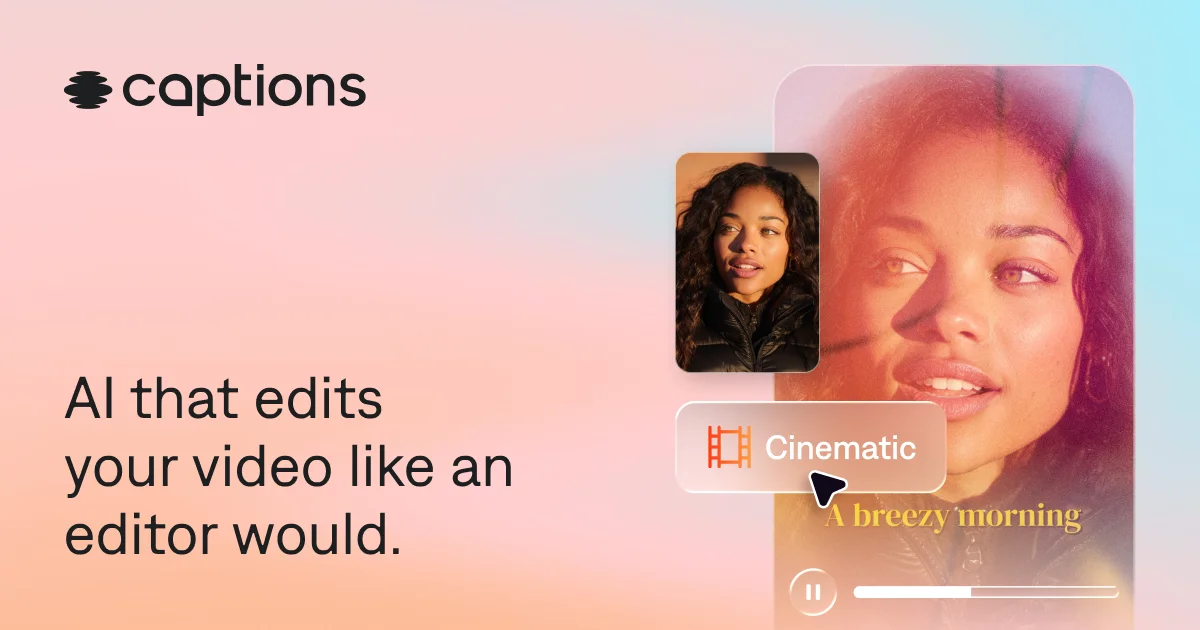
AI video editor that edits like a professional editor.
Captions is an AI video generator and editor that turns raw footage into ready-to-share videos with automated cuts, captions, dubbing, and avatars.
Independently written by the AITrustList editorial team.
Other products in the same task, ranked by popularity.
Pricing and commercial details available on the current listing.
What it is, how to use it, and the full listing description.
An AI video generator and editor that automates cuts, captions, dubbing, avatars, and stylistic edits from a single prompt-based workspace.
Sign up on the web or download the Captions app, upload or record footage, pick an editing style or give a prompt in the chat-based editor, and let the AI assemble, caption, and polish the video before exporting.
Captions is an AI-powered video creation and editing platform designed to take users from raw footage to finished, shareable videos without manual editing work. Its AI Edit feature can transform an entire video at once by cutting scenes, overlaying B-roll, adding music and transitions, and applying stylized editing presets such as Elevate, Prime, Paper, and Bloom.
Beyond full video editing, Captions offers automated captioning in trending styles, translation and dubbing into 30+ languages, AI-generated music and sound effects, eye contact correction, background noise removal, and a chat-based editor where users can direct changes with simple text prompts. It also supports custom AI avatars, allowing creators to generate talking videos from selfies or build reusable digital actors with different outfits and backgrounds.
The platform is available on web, iOS, and Android, and is built for creators, marketers, educators, podcasters, small businesses, and anyone who needs studio-quality short-form or long-form videos quickly. Captions is offered under a freemium model, with a free sign-up option and paid subscriptions required to unlock its full feature set.
Traffic and engagement metrics for captions.ai.
Captions had 999.0K monthly visits in the latest recorded month. It is currently tracked in the Video dubbing category on AITrustList.
| Keyword | Traffic | Cost Per Click |
|---|---|---|
| captions | 100.9K | $ 0.56 |
| captions ai | 45.2K | $ 0.54 |
| caption ai | 14.4K | $ 0.44 |
| caption | 36.8K | $ 0.61 |
| captions app | 7.3K | $ 1.61 |
0.00 out of 5
Based on 0 reviews
No published reviews yet.
Questions and answers included with this listing.
Captions is an AI video editor that produces fully-edited videos. Users can upload footage and apply AI editing tools, or generate entirely new videos without recording. The AI editor guides suggested edits so anyone can make videos regardless of expertise.
Captions works on phone or computer. You can sign up online in the browser or download the app from the App Store or Google Play.
Captions is free to download and some features are available without a subscription. To unlock all capabilities and produce professional-quality videos, a paid plan is required.
Captions can edit vertical and horizontal videos across many formats, including social content, video ads, podcast clips, training videos, and product assets.
Yes. Once you upload or record, Captions automatically edits and stylizes the video with custom zooms, B-roll, music, transitions, and more. A simple editor is available for any final tweaks.
Official and listing-specific external resources.
Published tools in the same task branch.
Create AI-generated videos with avatars and voiceovers.
Released May 20
Freemium

Create professional videos instantly from images using AI
Released May 18
Free

Create emotional AI voices, clones, and sound design
Released Jun 7
Freemium · From $0