

Higgsfield AI
Infrastructure for AI-powered video and image generation.
Image to videoProduct videos
Released May 20
Freemium · From $15 /month
400

Reviewed by Shawn H. — Founder, AITrustList
Last verified MethodologyAI tools are ranked by traffic signals, not paid placement.

300+ one-click AI tools for image creation and editing
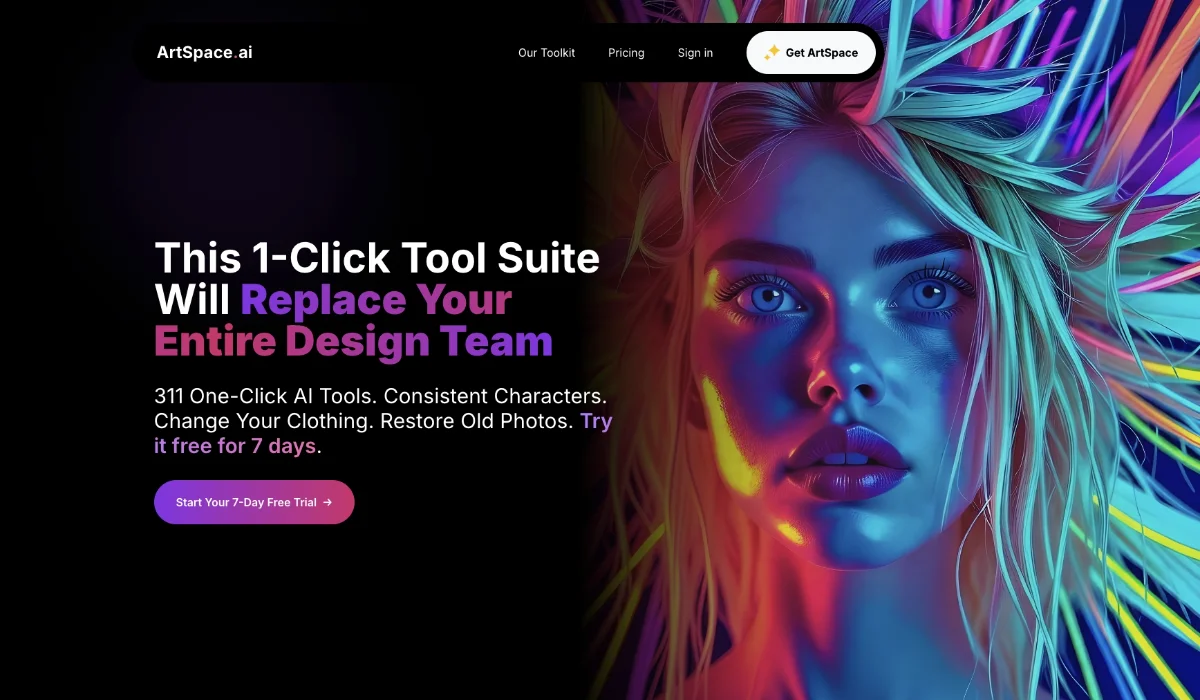
Browser-based AI image generator and editor with 311+ one-click tools for text-to-image, upscaling, restoration, and photo manipulation.
Independently written by the AITrustList editorial team.
Other products in the same task, ranked by popularity.
Pricing and commercial details available on the current listing.
What it is, how to use it, and the full listing description.
A browser-based AI image generator and editor offering 311+ one-click tools for text-to-image creation, photo restoration, upscaling, and targeted edits like clothing, pose, and expression changes.
Open ArtSpace.ai in a modern browser, start a 7-day free trial, then either type a prompt to generate an image or upload an existing photo and apply a one-click tool such as upscale, sharpen, change clothing, or restore old photo. Pro and Unlimited plans unlock the Advanced Canvas for inpainting, outpainting, and larger 4K outputs.
ArtSpace.ai is a browser-based AI image generation and editing suite that offers 311+ one-click tools powered by FLUX KONTEXT, SEEDREAM 4.0, and NANO BANANA models. Users can create images from text prompts, upscale photos to 4K (4096x4096px), remove backgrounds, inpaint and outpaint edits, restore old photos, and apply targeted edits such as changing clothing, pose, hairstyle, expression, age, body shape, and accessories. The Canvas mode adds professional tools for advanced users on Pro and Unlimited plans. The platform runs in any modern browser on desktop and mobile without downloads or installations, and includes a 7-day free trial followed by paid plans that customers describe as one-time payment lifetime access with free updates. It is used by visual artists, photographers, families restoring historical photos, and casual creators who want quick, prompt-free image edits.
Traffic and engagement metrics for artspace.ai.
ArtSpace.ai traffic grew by 88.4% over the last 12 months, reaching 217.3K monthly visits. It is currently tracked in the Image editing category on AITrustList.
| Keyword | Traffic | Cost Per Click |
|---|---|---|
| artspace ai | 190 | $ 2.31 |
| artspace.ai | 260 | -- |
| artspace | 1.6K | $ 3.08 |
| art space ai | 650 | $ 2.31 |
| space.artai | 200 | -- |
0.00 out of 5
Based on 0 reviews
No published reviews yet.
Questions and answers included with this listing.
No. Verified customers report that all features and updates are included with a one-time payment and free updates, with no additional charges.
Yes. Many of the 311+ one-click tools are designed to edit uploaded images, including upscaling, sharpening, clothing changes, pose changes, and old-photo restoration.
ArtSpace runs entirely in a modern web browser with no downloads. You can generate images from text prompts or upload photos and apply one-click AI editing tools powered by FLUX KONTEXT, SEEDREAM 4.0, and NANO BANANA.
ArtSpace supports text-to-image generation as well as photo edits including upscaling to 4K, restoration, background removal, inpainting, outpainting, and targeted face, body, clothing, and scene changes.
ArtSpace supports professional-quality upscaling up to 4096x4096px (4K) through its 4K upscaling tool.
Official and listing-specific external resources.
Published tools in the same task branch.
Infrastructure for AI-powered video and image generation.
Released May 20
Freemium · From $15 /month

AI photo editor, image & video generator in your browser
Released Aug 4
Freemium · From $1.99/month

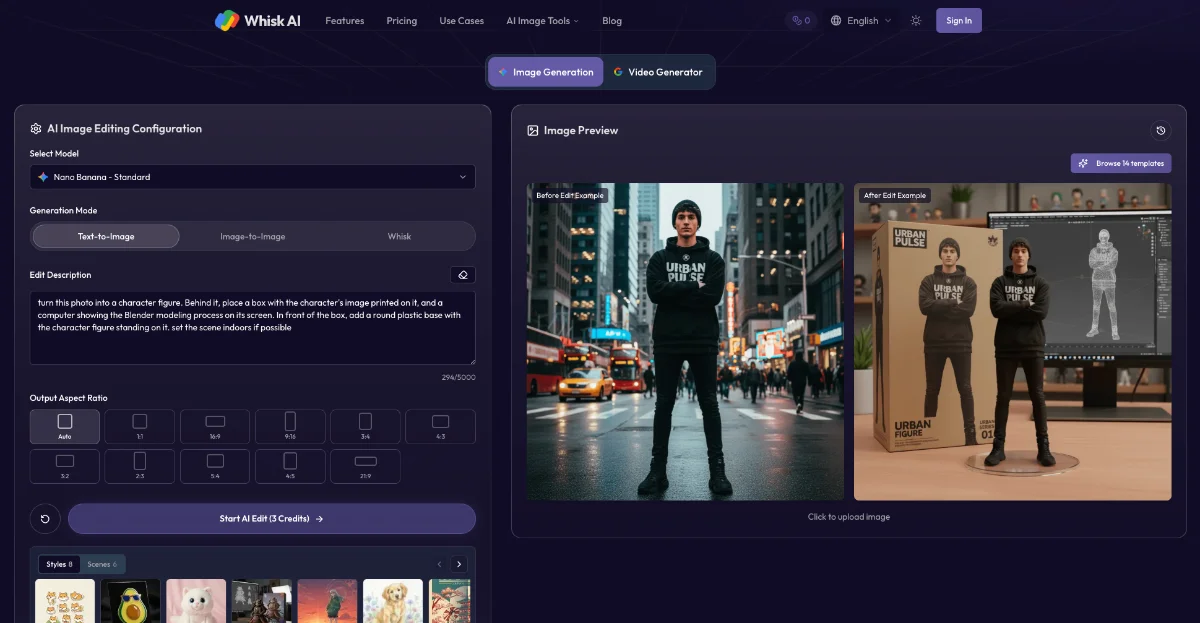
Remix images with subject, scene, and style using AI
Released Jun 12
Freemium

Unify AI models and editing tools in one node-based workflow
Released 26d ago
Freemium