Shawn H. avatar

Reviewed by Shawn H. — Founder, AITrustList

Last verified MethodologyAI tools are ranked by traffic signals, not paid placement.

Raycast logo

Raycast

Productivity launcher with shortcuts, extensions, and AI

Task automationOpen Source
FreemiumVerified Oct 13, 2026

Raycast is a keyboard-first productivity launcher for Mac and Windows with extensions, snippets, and an AI assistant.

Raycast alternatives
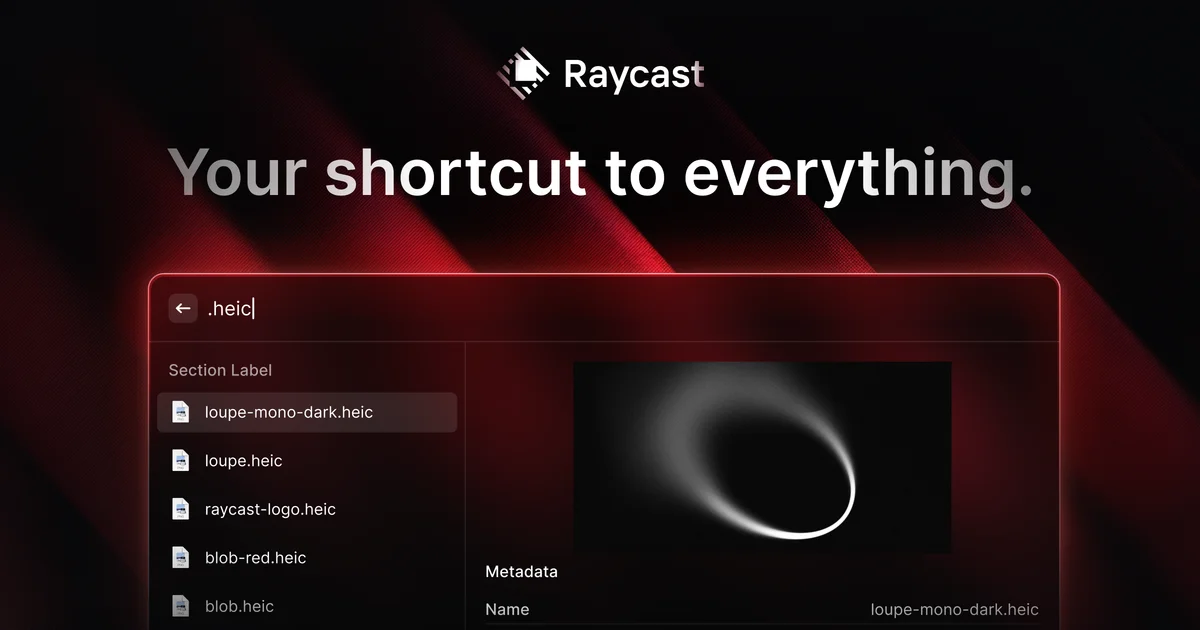
Screenshot 1

Pros & cons

Independently written by the AITrustList editorial team.

Pros

  • Free to download with a rich set of built-in tools and a large extension store
  • Cross-platform support for macOS, Windows, and iOS
  • Strong extensibility with a documented TypeScript extension API
  • Built-in AI assistant (AI Chat, Quick AI, AI Extensions) for in-context tasks
  • Highly customizable with themes, hotkeys, aliases, and quicklinks
  • Reliable performance with a stated 99.8% crash-free rate

+1 more pro not shown

Cons

  • Some advanced features, including full AI usage, require a paid Pro plan
  • Linux is not officially supported
  • Mobile experience is limited to iOS only; no full mobile launcher for Android
  • Best workflow benefits require learning keyboard shortcuts and extension setup
  • Quality of third-party extensions varies since they are community-built
  • Heavy reliance on Raycast's extension API means missing or removed extensions can break workflows

Raycast Pricing

Pricing and commercial details available on the current listing.

Pricing model
Freemium

About Raycast

What it is, how to use it, and the full listing description.

What is Raycast?

Raycast is a keyboard-first productivity launcher and command bar for Mac and Windows that bundles search, automation, app integrations, and an AI assistant into one extendable app.

How to use Raycast?

Download and install Raycast on macOS or Windows, then press the default hotkey (Option+Space on Mac, Alt+Space on Windows) to open the command bar. Type to search apps, files, snippets, or run commands; install extensions from the Store; assign hotkeys or aliases; and invoke AI Chat or Quick AI for in-context assistance.

Core features of Raycast

  • Keyboard-first command bar with universal search for apps, files, and links
  • Clipboard history, snippets, quicklinks, and hotkey/alias automation
  • Window management for tiling, snapping, and resizing
  • Built-in AI Chat and Quick AI plus AI Extensions for connected tools
  • Extension Store with thousands of community integrations (GitHub, Notion, Slack, Jira, Linear, 1Password, Spotify, etc.)
  • Developer API with TypeScript, hot-reload, and built-in UI components for building and publishing extensions

Target audience of Raycast

DevelopersDesignersTechnical WritersFounders & CEOs

Use cases of Raycast

  • #1Launching apps, searching files, and running commands without leaving the keyboard
  • #2Automating repetitive text and workflows with snippets, quicklinks, and script commands
  • #3Managing windows and tiling apps for focused, multi-monitor work
  • #4Integrating developer and team tools like GitHub, Jira, Notion, Linear, and Slack
  • #5Using built-in AI Chat to summarize, draft, or query information across connected tools

Raycast is an extendable productivity launcher that replaces Spotlight on macOS and adds a powerful command bar on Windows. It brings together search, snippets, clipboard history, window management, file search, calculator, translations, focus mode, notes, flight tracking, and thousands of community-built extensions into a single keyboard-driven interface.

Key capabilities include Quicklinks for launching apps or URLs with custom aliases, Snippets for inserting repeated text, Hotkeys for assigning shortcuts to commands, Script Commands for running scripts, and an extension store with integrations for tools such as GitHub, Notion, Slack, Jira, Linear, 1Password, Spotify, Zoom, and Google Chrome.

Raycast also ships with built-in AI features: AI Chat, Quick AI for in-context prompts, and AI Extensions that let the assistant take actions across connected tools. Developers can build their own extensions using a TypeScript API with a built-in UI component library and publish them to the Raycast Store.

The app is marketed as fast (millisecond response), ergonomic (keyboard-first), personal (themeable and customizable), and reliable with a stated 99.8% crash-free rate. It is available on macOS, Windows, and iOS, with separate Teams and Enterprise plans for organizations.


Raycast Website Traffic Analysis

Traffic and engagement metrics for raycast.com.

Visit Over Time

Raycast had 389.7K monthly visits in the latest recorded month. It is currently tracked in the Task automation category on AITrustList.

Monthly Visits389.7K
Avg. Visit Duration01:56
Page per Visit2.38
Bounce Rate59.46%
Nov 2025 - Oct 2026 All Traffic

Geography

Top 5 Regions

📍United States
30.70%
📍China
7.52%
📍Germany
6.44%
📍India
4.38%
📍Brazil
4.35%
Nov 2025 - Oct 2026 Desktop Only

Traffic Sources

Direct
42.66%
Organic Search
34.83%
Organic Social
8.52%
Referrals
7.03%
Paid Search
2.70%
GenAI
2.27%
Mail
1.49%
Display Ads
0.50%
Affiliate
0.00%
Paid Social
0.00%
Nov 2025 - Oct 2026 Worldwide Desktop Only

AI Referral Traffic

Google Gemini
31.8%
ChatGPT
4.1%
Perplexity AI
1.9%
Nov 2025 - Oct 2026 AI Engine Share Trends

Top Keywords

KeywordTrafficCost Per Click
raycast132.1K$ 0.39
raycast mac4.4K$ 0.35
raycast windows3.3K$ 0.25
raycast download2.4K$ 0.34
raycast store1.5K--

Customer Reviews

☆☆☆☆☆

0.00 out of 5

Based on 0 reviews

★★★★★
0
★★★★☆
0
★★★☆☆
0
★★☆☆☆
0
★☆☆☆☆
0

No published reviews yet.

FAQ from Raycast

Questions and answers included with this listing.

What is Raycast?

Raycast is a productivity launcher and command bar for Mac and Windows that bundles search, automation, extensions, and an AI assistant into a single keyboard-driven app.

Which platforms does Raycast support?

Raycast is available for macOS, Windows (Windows 10+ on x64 and ARM64), and iOS, with separate Teams and Enterprise plans for organizations.
Is Raycast free?

Raycast can be downloaded and used for free. There is also a Pro plan with advanced features such as extended AI usage, along with Teams and Enterprise plans.

Can developers build extensions for Raycast?

Yes. Raycast provides a TypeScript extension API with a built-in UI component library, hot-reload, and modern tooling, and developers can publish extensions to the Raycast Store.

Does Raycast have an AI assistant?

Yes. Raycast includes AI Chat, Quick AI for in-context prompts, and AI Extensions that let the assistant take actions across connected tools.