

Mage
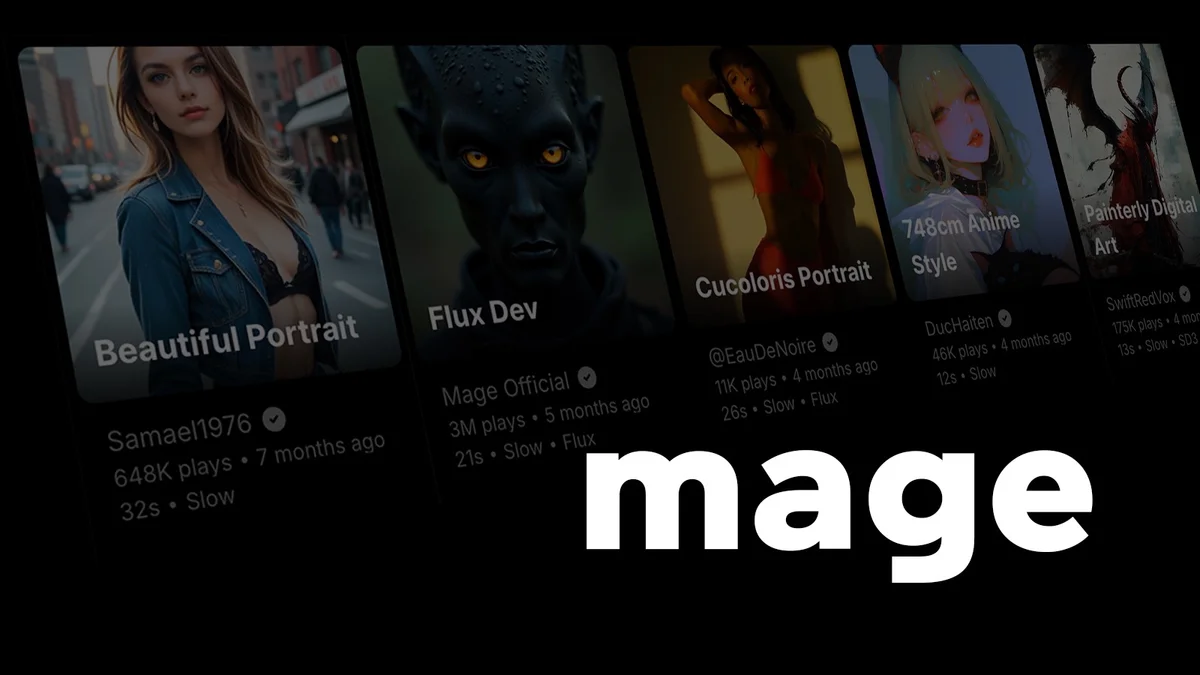
Unlimited, uncensored AI image and video generator
Image GenerationImage to video
Released Jun 7
Freemium · From $0/month
490

Reviewed by Shawn H. — Founder, AITrustList
Last verified MethodologyAI tools are ranked by traffic signals, not paid placement.

100+ AI tools for video, images, and editing in one studio
Magic Hour is an AI video, image, and editing studio with 100+ free online tools, including face swap, lip sync, talking photos, and templates.
Independently written by the AITrustList editorial team.
+1 more pro not shown
Other products in the same task, ranked by popularity.
Pricing and commercial details available on the current listing.
What it is, how to use it, and the full listing description.
Magic Hour is an AI creative platform that combines 100+ video, image, and editing tools into a single web, mobile, and API studio.
Pick a starting point such as text-to-video, image-to-video, AI image generator, or face swap, then either enter a text prompt or upload an image or video. Free tools can be used without signing up; signing up adds saved projects, credits, and access to account-required workflows and models.
Magic Hour is an AI-powered creative studio that brings together more than 100 tools for AI video generation, AI image generation, photo editing, and talking-photo workflows. Core tools include text-to-video, image-to-video, video-to-video, AI image generator, AI image editor, face swap, lip sync, talking photo, AI headshot generator, and an AI image upscaler. Users can start creating on the web without signing up or entering a credit card, and the platform supports daily free credits that roll over. Magic Hour also exposes a production-ready REST API with SDKs for Python, Node, Go, and Rust, making it suitable for developers building personalized image and video workflows. Output formats include images, video clips, GIFs, and audio, with 10,000+ templates sized for common channels. Free-plan outputs are intended for personal, non-commercial use, while paid subscriptions add commercial rights, higher-resolution exports, watermark-free files, and faster queues. The platform is trusted by 3.8M+ creators and 2K+ teams, and is backed by Y Combinator.
Traffic and engagement metrics for magichour.ai.
Magic Hour traffic grew by 55.3% over the last 12 months, reaching 2.3M monthly visits. It is currently tracked in the Image Generation category on AITrustList.
| Keyword | Traffic | Cost Per Click |
|---|---|---|
| face swap ai | 53.4K | $ 0.53 |
| face swap | 77.8K | $ 0.47 |
| magic hour ai | 30.1K | $ 0.42 |
| magic hour | 32.3K | $ 0.69 |
| face swap video | 9.4K | $ 0.44 |
0.00 out of 5
Based on 0 reviews
No published reviews yet.
Questions and answers included with this listing.
Yes. You can try supported AI video, AI image generation, and image editing tools for free without a credit card. When you need more credits, higher-resolution exports, faster queues, or paid models, you can upgrade to a paid plan.
No. Supported free tools can be used without an account. Sign up is needed for saved projects, account-specific credits and rewards, or workflows and models that require an account.
It depends on the workflow. You can start with a text prompt for text-to-video, upload an image for image-to-video, combine an image with instructions in the AI image editor, or add audio or text to a photo or video with lip sync or talking photo.
Depending on the tool, Magic Hour creates downloadable images, video clips, GIFs, or audio. Export resolution and watermarks vary by tool and plan; paid subscriptions include higher-resolution and watermark-free exports.
You own the assets you create, subject to the Terms of Service. Free-plan outputs are for personal, non-commercial use; commercial rights are included with paid subscriptions. Credit packs remove watermarks but do not add commercial rights.
Official and listing-specific external resources.
Published tools in the same task branch.
Unlimited, uncensored AI image and video generator
Released Jun 7
Freemium · From $0/month

One subscription, unlimited access to 90+ top AI tools
Released May 24
Freemium

All-in-one AI video and image creation platform
Released Jun 7
Freemium · From $0.3/video

Infrastructure for AI-powered video and image generation.
Released May 20
Freemium · From $15 /month