

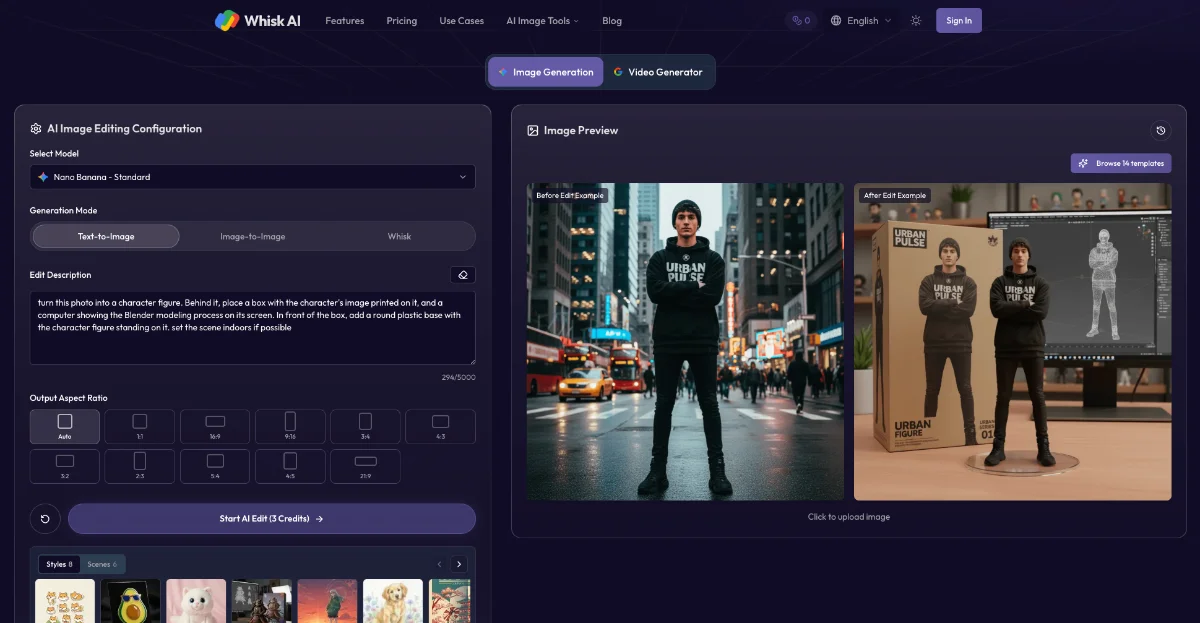
Whisk AI
Remix images with subject, scene, and style using AI
Upscale imagesBackgrounds Removal
Released Jun 12
Freemium
290

Reviewed by Shawn H. — Founder, AITrustList
Last verified MethodologyAI tools are ranked by traffic signals, not paid placement.

AI online tool to upscale images 2x or 4x and enhance detail
ImgUpscaler is a web‑based AI image upscaler that enlarges JPG, PNG or WebP files by 2× or 4×, improves edges and textures, supports batch processing.

Independently written by the AITrustList editorial team.
Other products in the same task, ranked by popularity.

Pricing and commercial details available on the current listing.
What it is, how to use it, and the full listing description.
ImgUpscaler is an online AI image upscaler that enlarges and enhances pictures by 2× or 4× while preserving detail and color fidelity.
1. Upload a JPG, PNG or WebP file by dragging it onto the workspace. 2. Select the desired upscale factor (2× or 4×). 3. Let the AI enhance the image, preview the result, then download the high‑resolution file. Batch mode works the same way for multiple files.
ImgUpscaler is an AI‑powered online image upscaler that lets you enlarge low‑resolution photos, product pictures, anime artwork, portraits or old scans by 2× or 4×. The service runs entirely in the browser, so you simply drag and drop your JPG, PNG or WebP files, choose an upscale ratio, preview the enhanced result and download the high‑resolution output. Batch mode lets you process multiple files in one go, saving time for ecommerce listings, marketing assets or personal projects. The AI models restore sharper edges, cleaner textures and more natural colours while keeping the original look, and all uploaded images are deleted automatically after processing to protect privacy. The tool is ready for commercial use, making it suitable for designers, marketers, developers and anyone who needs higher‑quality visuals without installing software.
Traffic and engagement metrics for imgupscaler.com.
ImgUpscaler had 2.4M monthly visits in the latest recorded month. It is currently tracked in the Upscale images category on AITrustList.
| Keyword | Traffic | Cost Per Click |
|---|---|---|
| image upscaler | 434.4K | $ 0.33 |
| imgupscaler | 38.7K | $ 0.39 |
| upscale image | 483.8K | $ 0.28 |
| ai image upscaler | 92.3K | $ 0.78 |
| ai upscaler | 79.5K | $ 1.20 |
0.00 out of 5
Based on 0 reviews
No published reviews yet.
Questions and answers included with this listing.
ImgUpscaler is an online AI image upscaler that enlarges and enhances images by 2× or 4×, supporting photos, anime, product shots, portraits and old pictures.
Yes, the batch upscaling feature lets you upload and process several images in a single workflow.
Uploaded images are processed securely and automatically deleted after a short period, so they do not remain online.
ImgUpscaler accepts JPG, PNG and WebP files.
Yes, the results are commercial‑ready and can be used in marketing, client work, ecommerce listings and other projects.
Official and listing-specific external resources.
Published tools in the same task branch.
Remix images with subject, scene, and style using AI
Released Jun 12
Freemium

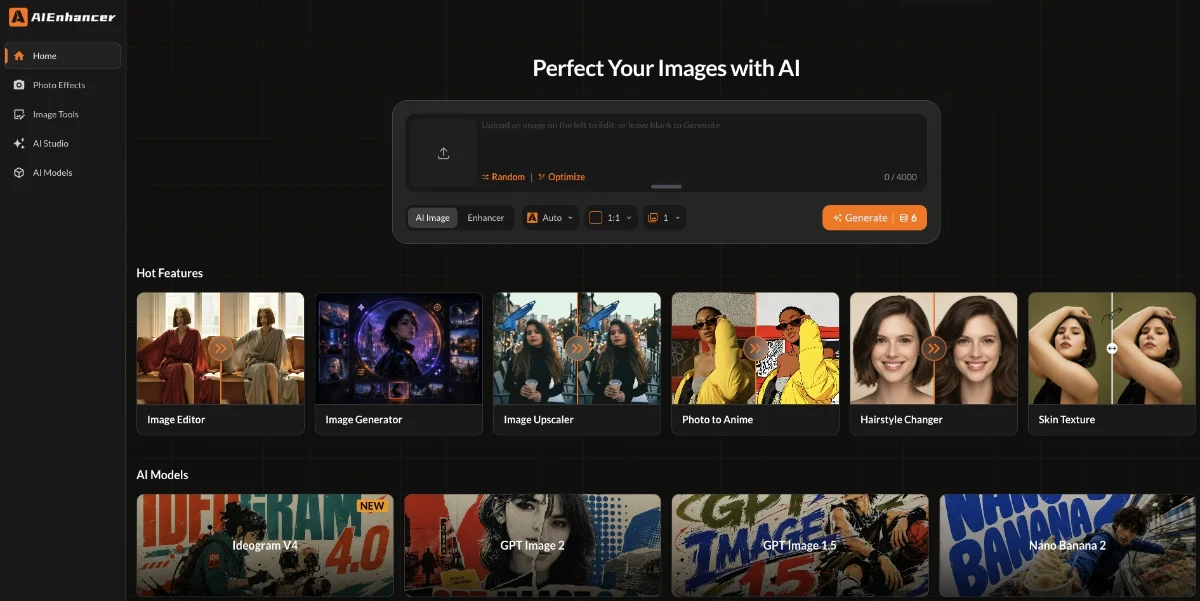
Upscale, sharpen, and restore photos to 4K with AI
Released Jul 4
Freemium

AI-powered image upscaling and enhancement tool
Released May 16
Paid

