OpusClip
AI that turns long videos into high-quality viral clips
Video repurposingShort videos

Released May 27
Freemium · From $15 /mo
400

Reviewed by Shawn H. — Founder, AITrustList
Last verified MethodologyAI tools are ranked by traffic signals, not paid placement.

AI clip maker turns long videos into scheduled short posts
Flowjin uses AI to extract captioned clips from long videos and podcasts, writes platform-specific social copy, and schedules posts to LinkedIn, YouTube, and X.
Independently written by the AITrustList editorial team.
+1 more pro not shown
Other products in the same task, ranked by popularity.
Pricing and commercial details available on the current listing.
What it is, how to use it, and the full listing description.
An AI-powered clipping platform that converts long videos and podcasts into short, captioned social media clips with ready-to-publish copy.
Upload or import a long video or audio file, let the AI detect key moments and generate captioned clips, customize them with the built-in editor, then approve and schedule posts to LinkedIn, YouTube, or X from a single calendar.
Flowjin is an AI clipping platform built for brands, marketers, and creators who want to repurpose long-form video and audio into short-form social content. Upload a video or podcast and the AI scans for the most share-worthy moments, generating 6 to 12 captioned clips automatically. Each clip is paired with platform-specific titles, descriptions, hashtags, and calls to action tailored for LinkedIn, YouTube, and X.
Key capabilities include smart crop with speaker tracking, auto captions, titles, and B-roll, plus an in-browser video editor for trimming, extending, adjusting layouts, and building branded templates. A unified calendar allows one-click scheduling across multiple channels, replacing separate tools for video editing, social copy, and posting. Flowjin supports imports from YouTube and Apple devices, direct uploads, and works with multiple languages including English, French, Spanish, and German.
Projects remain accessible for 30 days after upload, and pricing starts at $19 per month. Flowjin is aimed at founders, marketing leads, social media managers, agencies, and content creators who need to maintain a consistent multi-channel presence without expanding their editing team.
Traffic and engagement metrics for flowjin.com.
Flowjin traffic grew by 47.1% over the last 12 months, reaching 83.7K monthly visits. It is currently tracked in the Video repurposing category on AITrustList.
| Keyword | Traffic | Cost Per Click |
|---|---|---|
| vizard ai | 44.5K | $ 0.23 |
| flowjin | 900 | $ 0.23 |
| thl njkmho euc. veuk nxphhx c-x | 170 | -- |
| twitter space avoider | 160 | -- |
| download twitter space as mp3 | -- | -- |
0.00 out of 5
Based on 0 reviews
No published reviews yet.
Questions and answers included with this listing.
Upload or import a video from YouTube, Apple, or your device. The AI scans it and generates 10+ short captioned clips, which you can customize with branding and layout, then export to LinkedIn, X, or YouTube with AI-generated captions and descriptions.
Flowjin turns long-form content (10+ minutes) such as podcasts, webinars, calls, interviews, and monologues into short clips for Instagram Reels, YouTube Shorts, TikTok, LinkedIn, and Facebook.
Flowjin supports a wide range of languages including English, French, Spanish, German, and many more.
Projects are accessible for up to 30 days after upload. After that, drafted clips are deleted, but any clips you exported can still be downloaded.
Yes. The AI-powered video editor lets you trim or extend clips, customize captions and layout, add overlays, and build branded templates that can be applied to all clips.
Official and listing-specific external resources.
Published tools in the same task branch.
AI that turns long videos into high-quality viral clips
Released May 27
Freemium · From $15 /mo

AI clip maker that turns streams into ready-to-post TikToks

Released Jul 10
Freemium

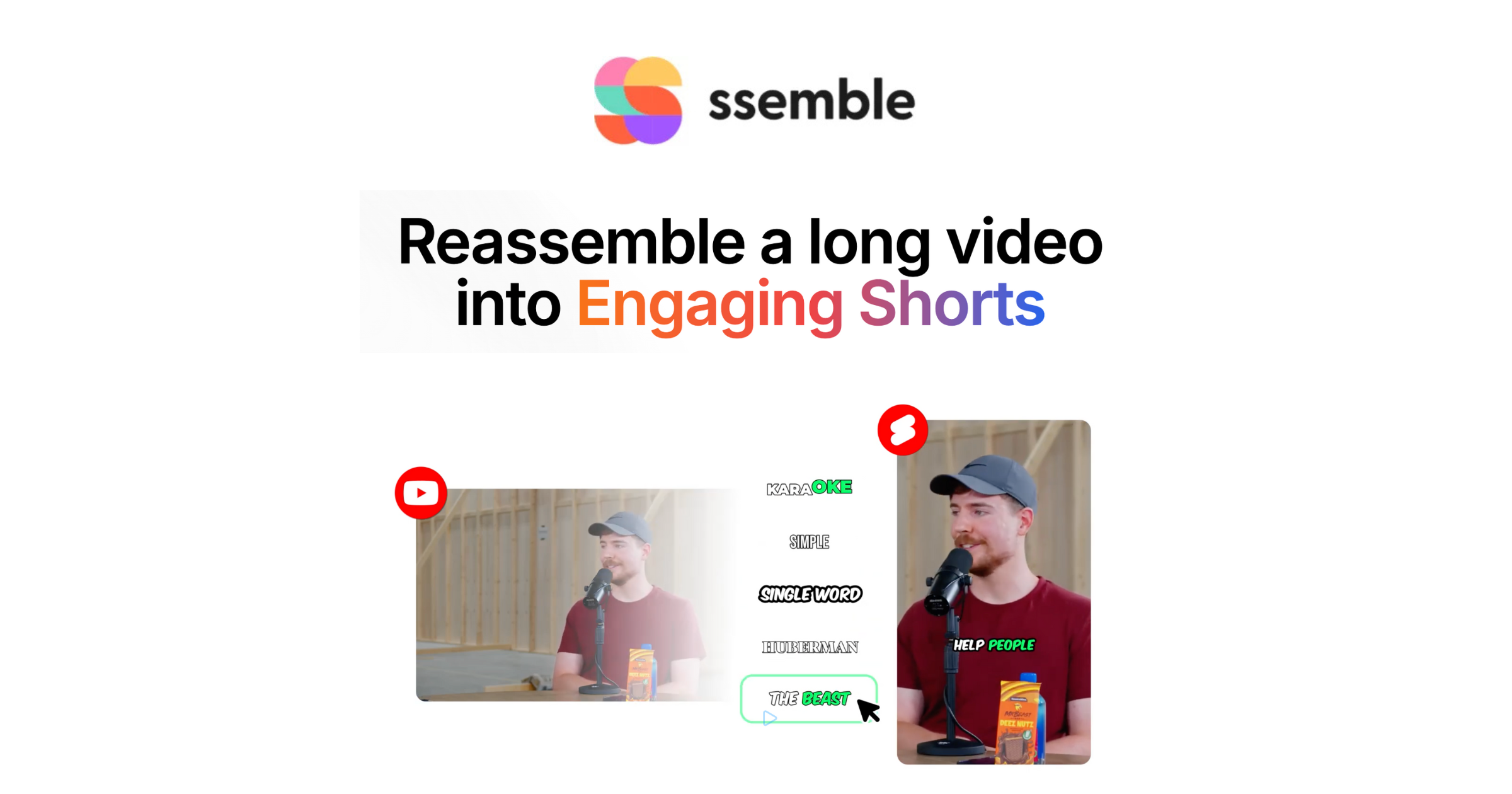
Turn YouTube videos into viral short-form clips with AI
Released Jun 6
Paid · From $6/mo