

NexLev
AI-Powered YouTube Niche Finder
Faceless videosVideo analysis
Find profitable niches in YouTube within seconds with NexLev, the most powerful AI-based niche finder.
Released May 27
Freemium
210

Reviewed by Shawn H. — Founder, AITrustList
Last verified MethodologyAI tools are ranked by traffic signals, not paid placement.

Agent-readable screen recorder for coding agents.
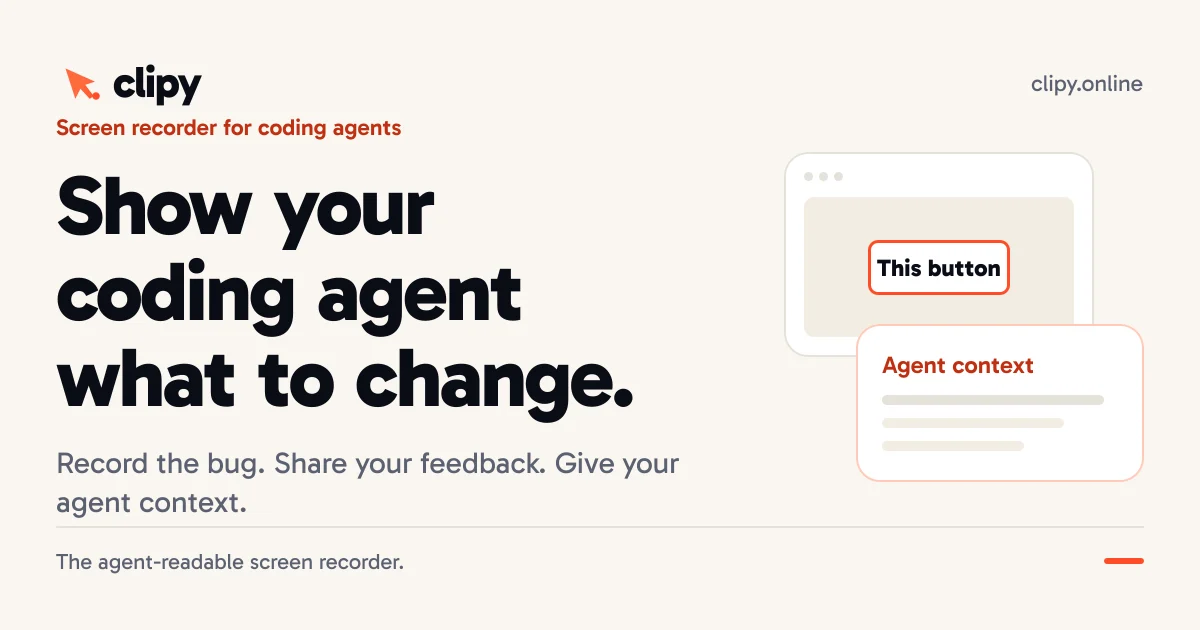
Show your coding agent what to change. Record bugs and UI feedback once; people watch the video while Claude Code, Cursor, and Codex get context they can act on
Independently written by the AITrustList editorial team.
Pricing and commercial details available on the current listing.
What it is, how to use it, and the full listing description.
Clipy is a screen recorder designed for AI coding agents. It captures your screen and narration, then processes the recording into structured context (summary, transcript, key frames, pointer data) that agents like Claude Code, Cursor, and Codex can read and act on.
1. Record a bug, walkthrough, or feedback by selecting a tab, window, or screen. 2. Clipy processes the recording into agent-readable context. 3. Paste the generated link into your coding agent session. 4. The agent retrieves the context (summary, transcript, key moments) and can ask for clarification before editing code.
Clipy is an agent-readable screen recorder that lets you show your coding agent exactly what to change. Record a bug, walkthrough, or piece of UI feedback once. Your team watches the video while connected agents like Claude Code, Cursor, and Codex receive a processed summary, timestamped transcript, key moment frames, and pointer interaction data. Features include one-click recording from a tab, window, or screen; combined system and microphone audio; unlisted sharing by link; HD to 4K quality; and Flare – a pointer highlight tool that creates a key moment from any gesture. Works as a Mac app, Chrome extension, or directly in the browser. No viewer sign-up required. Free to start with a 7-day trial (up to 15 recordings or 2 hours), then $9/month for Pro. Backed by Codersera.
Traffic and engagement metrics for clipy.online.
Clipy traffic grew by 52623.6% over the last 12 months, reaching 55.9K monthly visits. It is currently tracked in the Video analysis category on AITrustList.
| Keyword | Traffic | Cost Per Click |
|---|---|---|
| loom video downloader | 5.0K | $ 0.95 |
| download loom video | 8.4K | $ 1.40 |
| loom downloader | 2.7K | $ 2.11 |
| loom video downloader online | 4.4K | $ 0.90 |
| gif to mp4 | 104.4K | $ 0.39 |
0.00 out of 5
Based on 0 reviews
No published reviews yet.
Questions and answers included with this listing.
Clipy is a screen recorder for coding agents. Use it to show a UI bug, explain a design change, or walk through client feedback. Your team gets a playable video; a connected coding agent can retrieve the recording’s available narration and visual context.
Follow the agent setup guide once, then paste a normal Clipy video link into your agent session. Wait for processing and ask the agent to summarize the requested change and any missing evidence before it edits your code.
Depending on what was captured and processed, context can include a summary, timestamped narration, relevant frames, and pointer or interaction evidence. Microphone, system audio, and pointer capture depend on your recorder and selected source.
A screenshot is often enough for one visible layout issue. A recording is useful when the order of actions, a changing state, or spoken feedback matters.
Yes, with no credit card. The seven-day trial starts at signup and includes up to 15 recordings or 2 recorded hours, whichever comes first. Beyond that allowance, recording requires Pro at $9 per month.
Official and listing-specific external resources.
Published tools in the same task branch.
AI-Powered YouTube Niche Finder
Find profitable niches in YouTube within seconds with NexLev, the most powerful AI-based niche finder.
Released May 27
Freemium