

Keyshift AI
Write smarter on Windows and Mac with AI shortcuts that rewrite, translate, or summarize in any app. Discover the best deal for Keyshift AI on AppSumo today.
Marketing
...Content Marketing
AI Writing & Copywriting
Keyshift AI
Trigger AI in any app, instantly
Write smarter on Windows and Mac with AI shortcuts that rewrite, translate, or summarize in any app
Choose a plan
Lifetime access
Refundable up to 60 days
Plus members are covered by our We Got Your Back guarantee
Chosen by AppSumo for their potential and innovation
You spend more time shuffling text between apps than actually writing. KeyShift AI lives inside apps you already use, so you can trigger AI in Slack, Gmail, Notion, or anywhere else you write—without leaving.
TL;DR
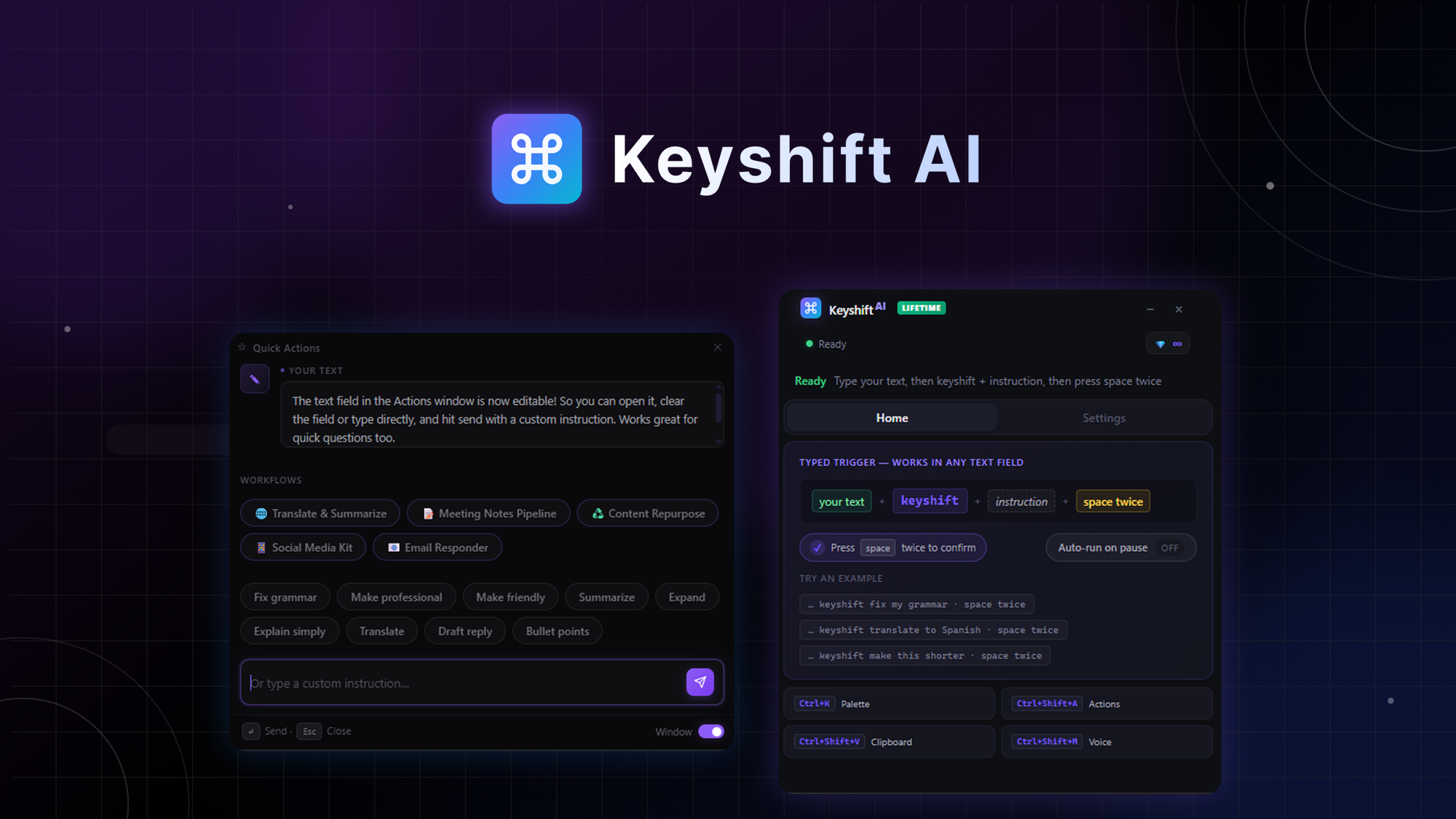
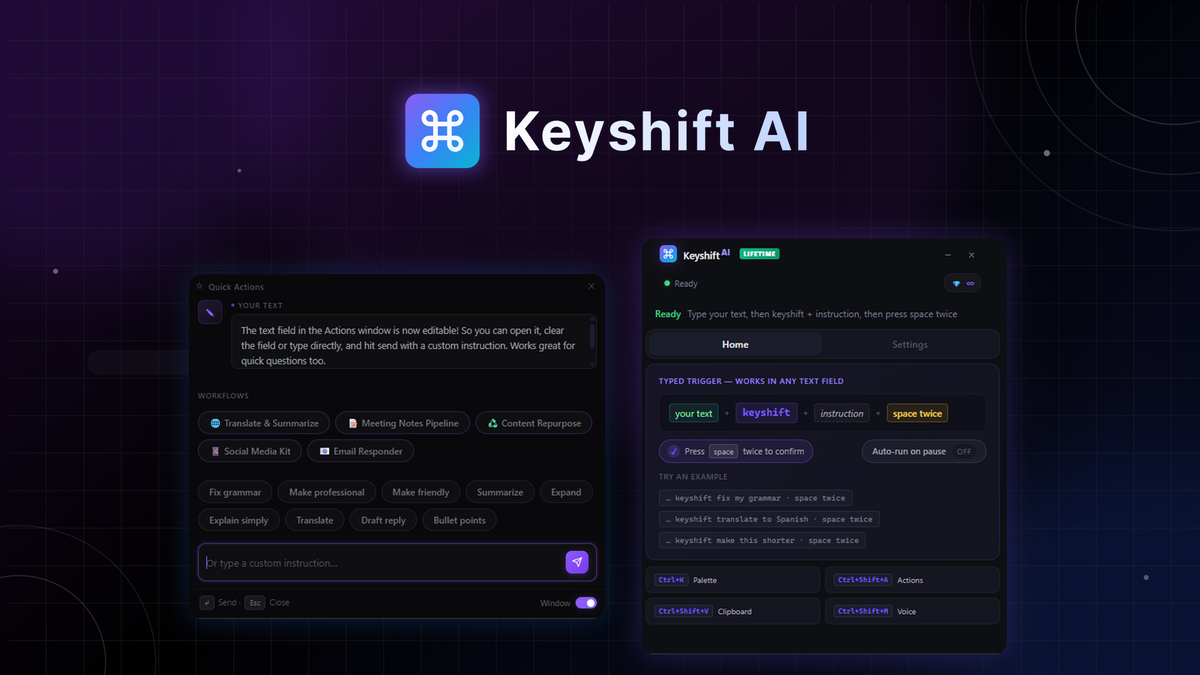
Type keyshift in any text field and press space twice to rewrite, translate, or summarize without leaving the app
Use Quick Actions, voice input, and multi-step workflows to transform text across every app you use
At-a-glance
Alternative to
Copy.ai, Grammarly, WisprFlow
Best for
Content creators, Copywriters, Solopreneurs
Keyshift AI
Run AI right where you type
Overview
Pricing
Reviews
Bring AI into any app you already use—rewrite, translate, and summarize text without copy-pasting or switching tabs
Rewrite anything, right where you type
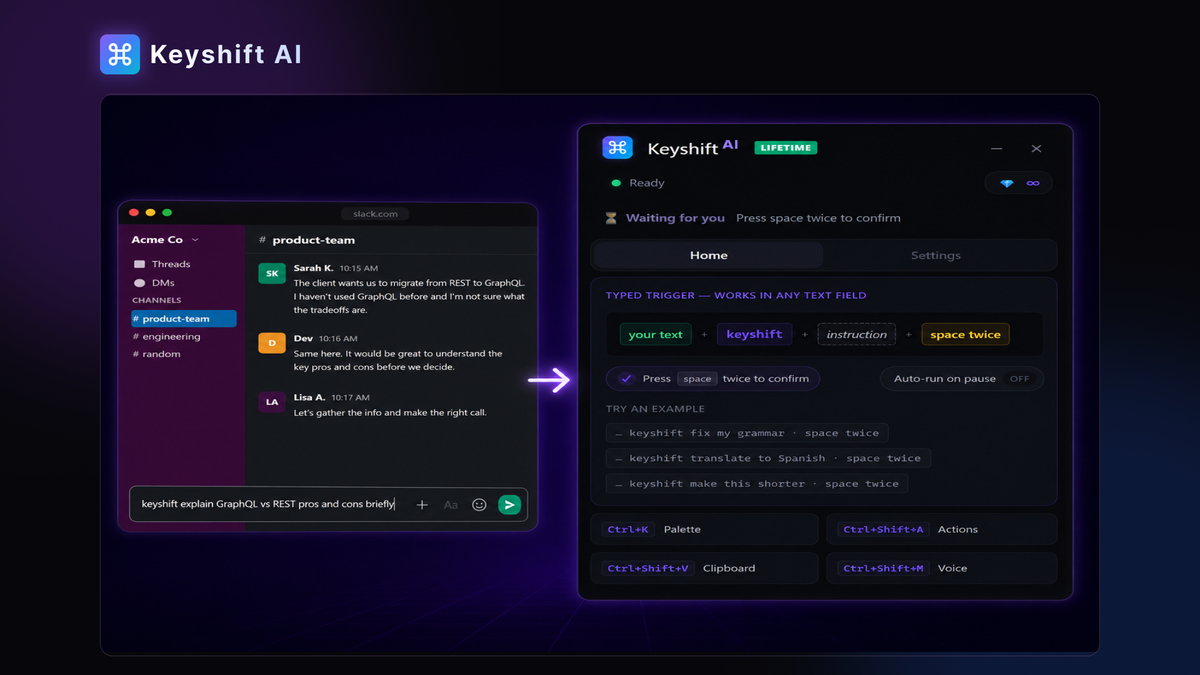
Type keyshift followed by your instruction in any text field, and the result appears in place—no need to copy-paste anything
Replace selected text instantly, so a rough draft in Slack or a clunky email in Gmail becomes clean copy before you hit send
Press space twice to confirm, or let KeyShift auto-run on pause for results that are ready the moment you stop typing
Access your Quick Actions menu anywhere
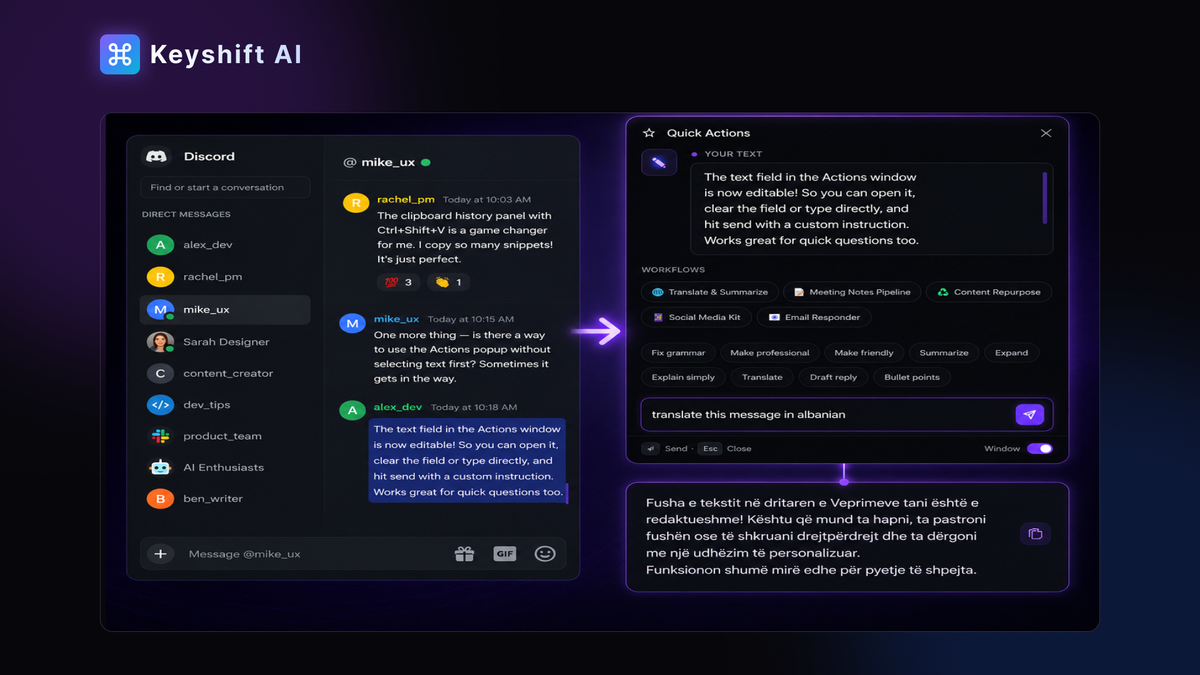
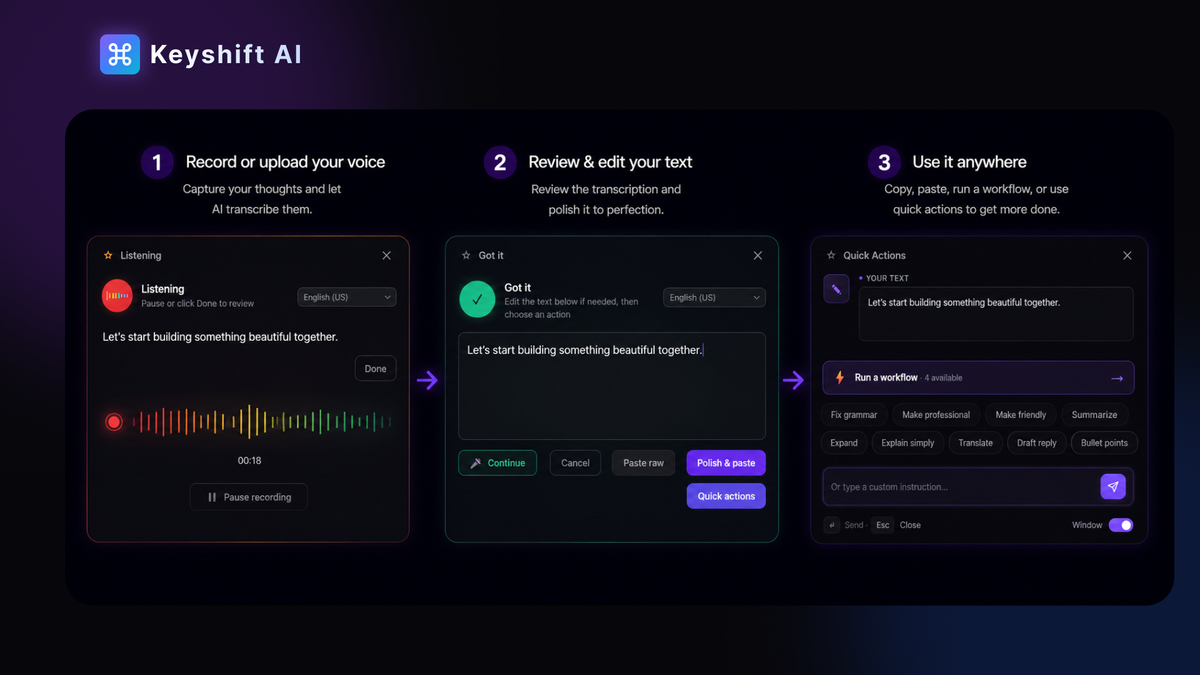
Press a keyboard shortcut to open a floating editor on top of whatever app you're already in, so you never lose your place in the workflow
Choose from one-click actions or type a custom instruction for anything outside the defaults
Review the result in a preview window before it replaces your text to stay in control of what gets inserted
Go hands-free with voice
Dictate your instructions by voice and KeyShift AI will convert speech into an AI action in seconds
Apply any AI action to your dictation, turning spoken thoughts into a polished email, a translation, or a summary without typing a word
Insert the result right where you were typing, or copy it anywhere
Build workflows that do the heavy lifting
Chain multi-step AI workflows, like turning raw meeting notes into a summary, action items, and a ready-to-send follow-up email in a single run
Build your own workflows in the dashboard by chaining any AI steps you need, like translate, then rewrite as a social post
Run any workflow from the Quick Actions panel: select text, press the shortcut, pick your workflow
Feel secure in your purchase with AppSumo's 60 day money-back guarantee
2,000 Credits per month · Lifetime access
Credits per month
Lifetime access to Keyshift AI.
All future Lifetime (Tier 1) or Pro (Tiers 2-5) Plan updates.
If Plan name changes, deal will be mapped to the new Plan name with all accompanying updates.
No codes, no stacking—just choose the plan that’s right for you.
You must activate your license within 60 days of purchase.
Ability to upgrade between 5 license tiers while the deal is available.
Ability to downgrade between 5 license tiers within 60 days of purchase.
We use PandaDoc to confirm each founder's identity.
AI where you type
Endri Demiraj, a seasoned software engineer, built KeyShift AI to reclaim the countless minutes lost switching between writing apps and AI tools. He dreamed of having intelligent text transformations appear exactly where he types, eliminating the friction of copying and pasting.
As a non-native English speaker, Endri also wanted to ensure his messages sounded professional without leaving his chat or document. He added features like on-the-fly grammar fixes, tone adjustments, and custom triggers to streamline his workflow.
After sharing with early users and gathering feedback, he realized the same pain point existed for many. KeyShift AI now empowers writers in any application to refine, translate, and enhance text in place.
This seamless integration saves time and boosts confidence, especially for those striving to communicate clearly in English.