


UPDF - PDF Editor All Platforms for Individuals
UPDF - Edit, annotate, convert, organize, OCR and sign PDF on Windows/Mac/ iOS/Android.. Discover the best deal for UPDF - PDF Editor All Platforms for Individuals on AppSumo today.
UPDF - Edit, annotate, convert, organize, OCR and sign PDF on Windows/Mac/ iOS/Android.
Operations
...Docs, Legal & HR
PDF Editor
UPDF - PDF Editor All Platforms for Individuals
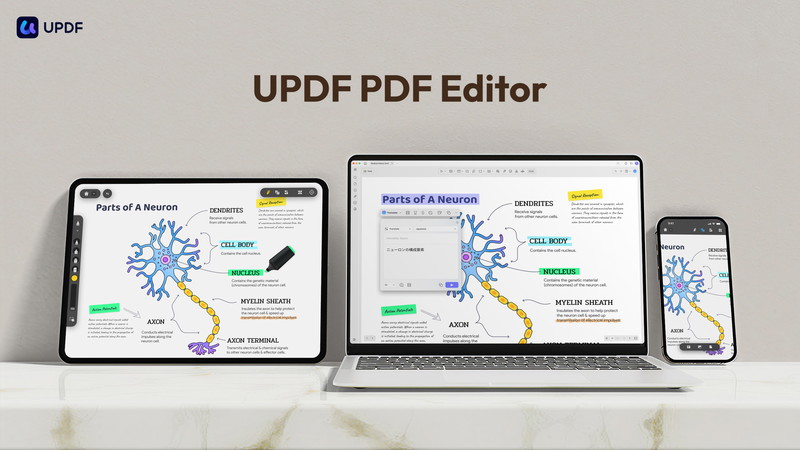
With UPDF, you can edit, annotate, convert, OCR, organize PDF pages, protect PDF, and compare PDF across Windows, macOS, iOS, and Android.
Purchasing 1 code on App Sumo can redeem a UPDF account, which can be used on up to 4 devices (2 desktops + 2 mobiles) simultaneously.
Notes: UPDF sold on Appsumo is an Individual Plan but not an Enterprise Plan. If you need an enterprise plan, please click here.
This deal comes with a lifetime 2GB UPDF Cloud Storage, but the AI Assistant is NOT included. If you need AI Assistant to AI Chat with PDF, images, translate PDF with keeping layout, and PDF to mind map, you can check here.
TL;DR
At-a-glance
Deal type
Software
Best for
Consultants
Educators
Small businesses
Alternative to
Adobe Acrobat Pro
Adobe Sign
DocuSign
Integrations
GPT-4
Features
AI
Overview
Edit any elements in PDF document:
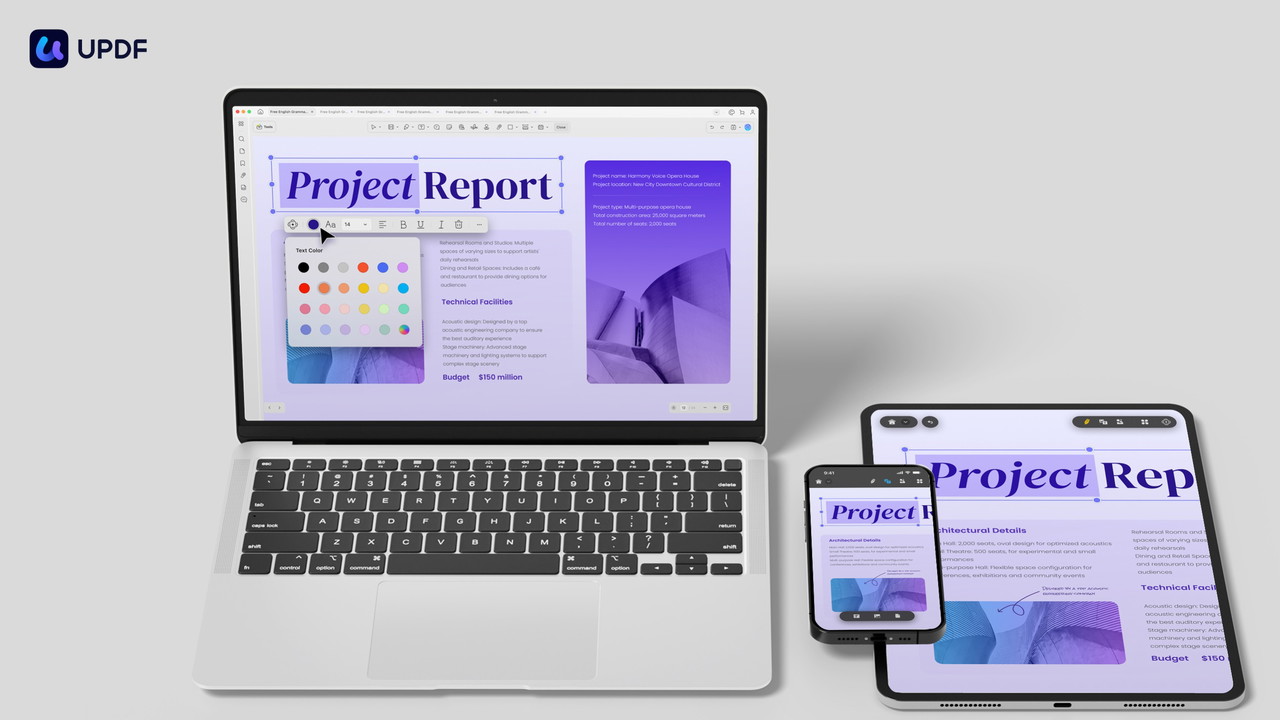
Add or delete texts and edit their font, color, and size
Add, crop, rotate, replace, extract or delete images
Add and edit links and watermarks in PDF
Edit headers and footers in PDF
Edit background in PDF
Crop pages to the ideal size you need.
Create and fill out forms
Add the digital signature
The editing feature is available on both desktop and mobile devices.
Convert PDF to Other Formats
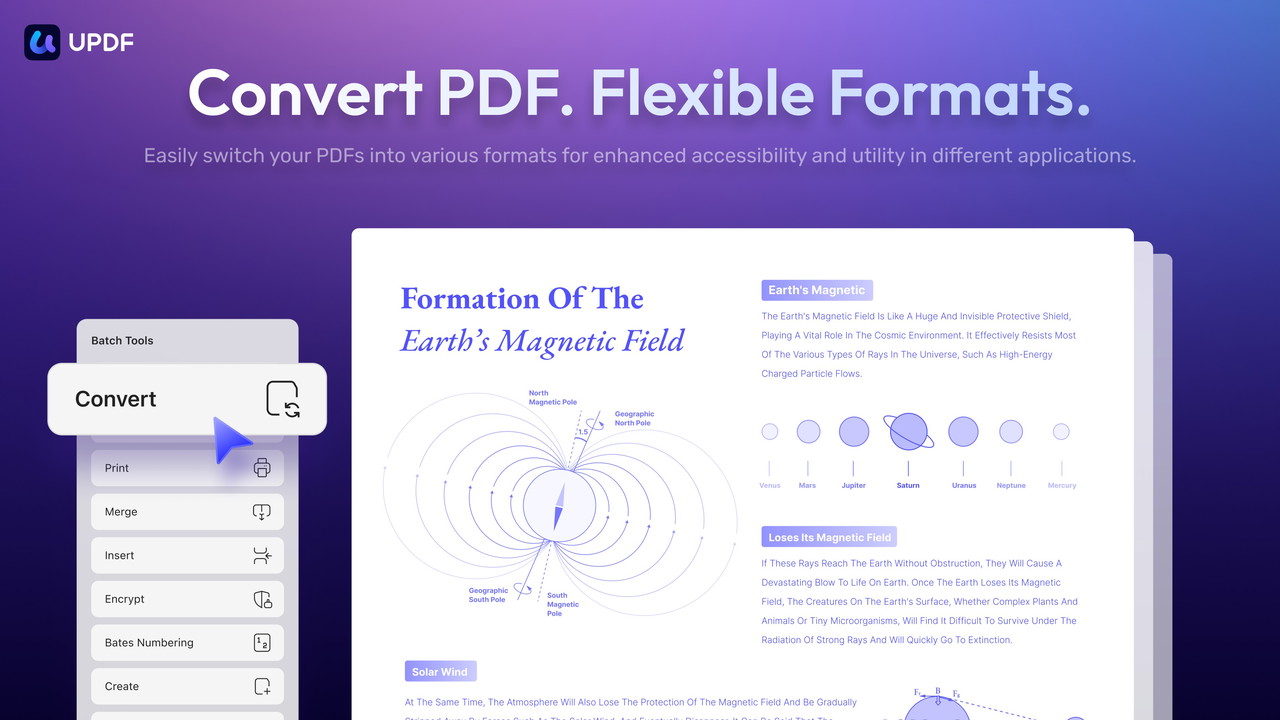
You can convert any PDF to Word, Excel, Powerpoint, Image(PNG, JPG, TIFF, GIF), HTML, Text, CSV, XML, PDF/A, etc without losing formats. You can convert the entire PDF or select page range.
OCR (Optical Character Recognition)
If you want to edit scanned PDF or image-based PDF, you can run OCR to turn the scanned pieces into searchable and editable PDF, and then you will be able to select and edit the text in it. UPDF on Windows and Mac is integrated with AI-powered OCR technology which can recognize over 38 languages! (Note: OCR is not available on the Mac App Store version nor on the Mac with Intel chip)
Annotate PDF
There are many annotating tools which you can mark up your PDFs including highlights, strikethrough, underline, squiggly, pencil writing. You can add shapes, attachments, stamps, stickers and signatures to your PDF. Your annotations are all collected in the annotation list which can be exported as PDF.
UPDF also provides measuring tools which can create three different measurements: distance, perimeter, and area.
Organize PDF Pages
With UPDF, you can flexibly organize PDF pages with many tools. You can insert, replace, extract or split your pages. Also, you can rotate, delete, or reorder pages.
Protect PDF
Additionally, you can protect your PDF by adding an open password and permission passwords for restricting access to the PDF such as opening/copying/printing/editing. You can redact sensitive information or add watermarks to protect the copyright or to indicated the sensitivity level.
Create and Fill PDF Forms
You can create interactive PDF forms with text field, check box, radio button, droplist, list box, image field, date field and digital signature field. You can fill such forms and add digital signatures.
Compare PDFs
Also, you can compare two similar PDF files to find out the differences.
UPDF for iOS and Android is a full-featured PDF editor app that supports annotating PDF and editing text and images on the go. You can also scan anything to PDF, organize pages, open and view most document formats, search, copy and paste, share, and secure documents from your mobile devices.
AI Chat with PDF (this feature is not included in this deal, you need to purchase separately from here)
With UPDF's AI assistant, you can summarize, translate, or chat with your PDF. You have unlimited usage of AI to get answers to any questions you have. Additionally, the AI can generate mind map from a lengthy PDF in seconds. The AI helps you have a quick understanding of your PDF in minutes.
Get access to UPDF today!
Want to know the features on all platforms in detail? Check here: https://updf.com/tech-spec/
Plans & features
Deal terms & conditions
Lifetime access to UPDF
You must redeem your code(s) within 60 days of purchase
All future UPDF Plan updates
Please note: This deal is not stackable
60 day money-back guarantee. Try it out for 2 months to make sure it's right for you!
UPDF - Edit, annotate, convert, organize, OCR and sign PDF on Windows/Mac/ iOS/Android.
Lifetime access
Refundable up to 60 days
UPDF - PDF Editor All Platforms
One time payment of
Edit text in PDF
Edit image in PDF
Edit or add links in PDF
Convert PDF to Word, Excel, PowerPoint, Images, HTML, XML, PDF/A, Text , or CSV with OCR technology
Annotate PDF with highlights, underline, strike-though, stamps, stickers, text boxes, or draw on PDF
Organize PDF pages, such as delete, rearrange, rotate, extract, and replace pages
Protect PDF by adding open password or permission password
Share PDF via a link or through email
View PDF across all devices with dark mode
Support changing the background color of PDF
Redeem UPDF on 4 devices (1 Windows + 1 macOS + 1 iOS + 1 Android)
UPDF - PDF Editor All Platforms for Individuals
UPDF Homepage
UPDF Updates
Contact Us
Posted Sep 20, 2024
Dear Sumo-lings!,
We want to extend our heartfelt gratitude for taking the time to explore our product page. Your interest means the world to us! If you’re searching for a cost-effective PDF editor, look no further! UPDF is designed to meet all your PDF editing needs. With its user-friendly interface and powerful features, UPDF makes editing, annotating, and managing PDF files a breeze.
UPDF keeps updating almost every week to bring a better PDF experience to our users.
Should you have any questions or need assistance, please feel free to leave us a message. We’re here to help and ensure you have the best experience possible with UPDF.
Thank you once again, and happy editing!
Best Regards,
The UPDF Team
Posted Nov 22, 2023
This is Alice from the UPDF team!
We're from Superace Software Technology Co., Ltd. Our team is composed of users who are driven to create, which collectively accumulated over 10 years of experience in developing and designing software specialized with tools that are best fit for managing PDF files.
What is UPDF?
UPDF is a complete PDF solution to meet all your PDF requirements across Mac, Windows, iOS, and Android. It is a versatile tool with features such as editing, annotations, converting, and page organizing, and more exciting features will be added with each new version.
How many devices can I use for one account?
If you buy one license code, you can use UPDF on 4 devices: 2 desktops (1 Windows + 1 Mac, or 2 Windows or 2 Macs) and 2 mobile devices (1 iOS +1 Android, or 2 iOS, or 2 Android). Reinstalling when you replace a new device is allowed.
You can reach me at support@superace.com
How to redeem UPDF?
Log into your account here, and find the "Redeem" option under the Subscriptions Card. Enter your code, and click "Redeem". Then you can unlock UPDF across all the platforms.
Cheers!
Alice
UPDF Marketing Team